Getting a screenshot from an AI chat into your CMS is dumber than it should be.
Your only real option was pasting base64 into the conversation. One image is a megabyte of gibberish. It wrecks your context, slows every turn after it, and bills you for junk tokens. So I fixed it.
The number that started this
A 1 to 2 MB screenshot, base64-encoded and passed as a tool parameter, lands as roughly half a million tokens of text in a single call. Same image, two completely different costs depending on how it reaches the model.
| Path | What the model stores | Rough cost |
|---|---|---|
| Paste into chat as a vision input | A tokenized, downscaled image | ~1,000 to 1,600 tokens |
| Base64 the image as text through an MCP call | Raw text characters | ~500,000+ tokens |
That is not a rounding error. It is the difference between a screenshot the model glances at and a screenshot that swallows the whole conversation. Drop the base64 in and you have blown the context window, slowed every turn after it, and paid for thousands of tokens of noise. The bytes do not belong in the chat.
Pasting the image is still cheap
A fair worry: if I paste the screenshot into chat so the assistant can see it, am I back to the same problem? No. A pasted image is ingested as a vision input. It gets downscaled and tokenized into a bounded number of image tokens, usually around 1,000 to 1,600. That is cheap and it does not grow.
What froze the context was the other thing entirely. Taking the same pixels and encoding them as base64 text inside a tool call. Letting the assistant see the image is fine. Shoving the bytes through a tool parameter is what we now refuse outright.
How it works now
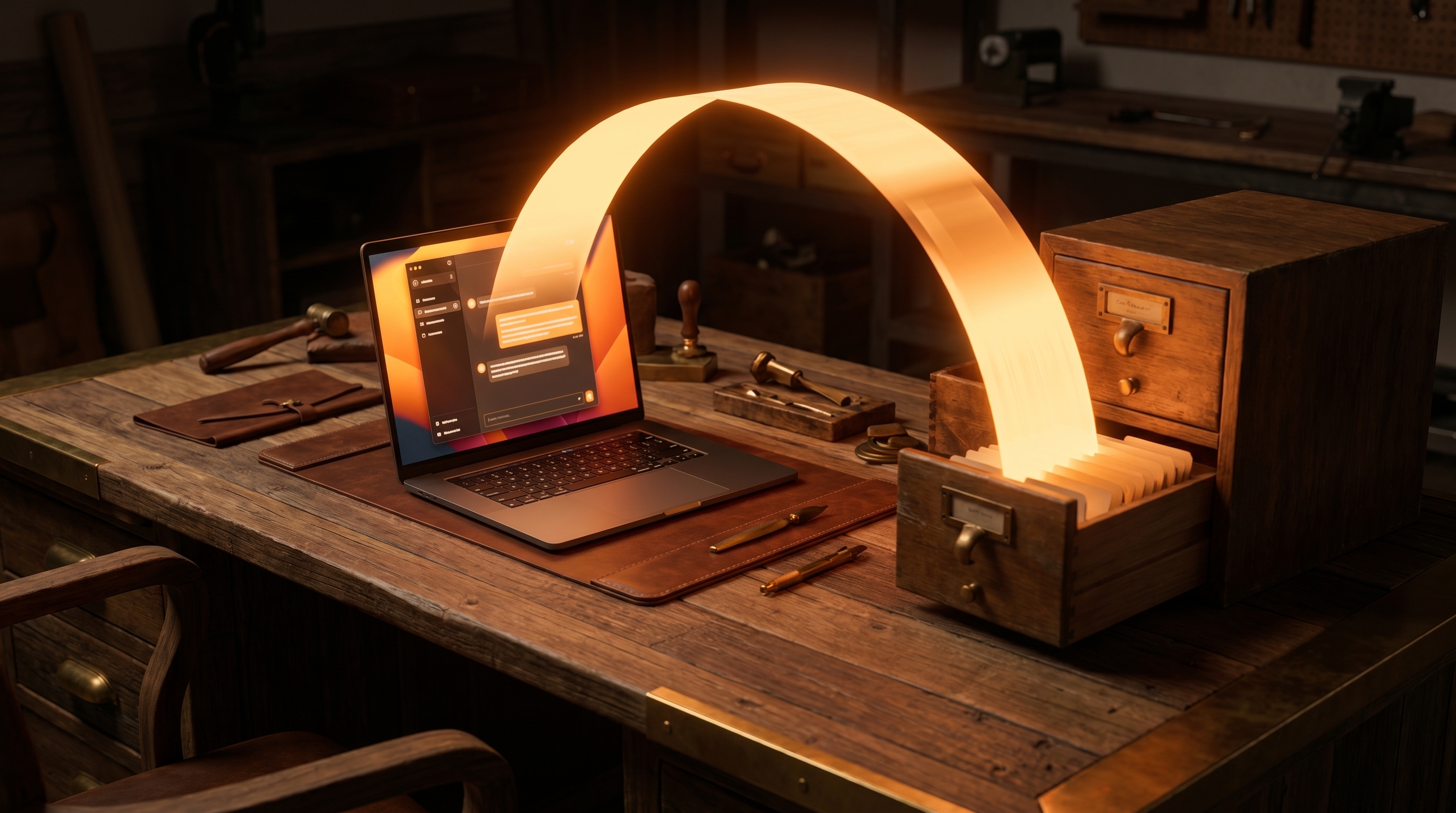
The fix is a handoff. The model handles lightweight metadata. The bytes go straight from your browser to storage.
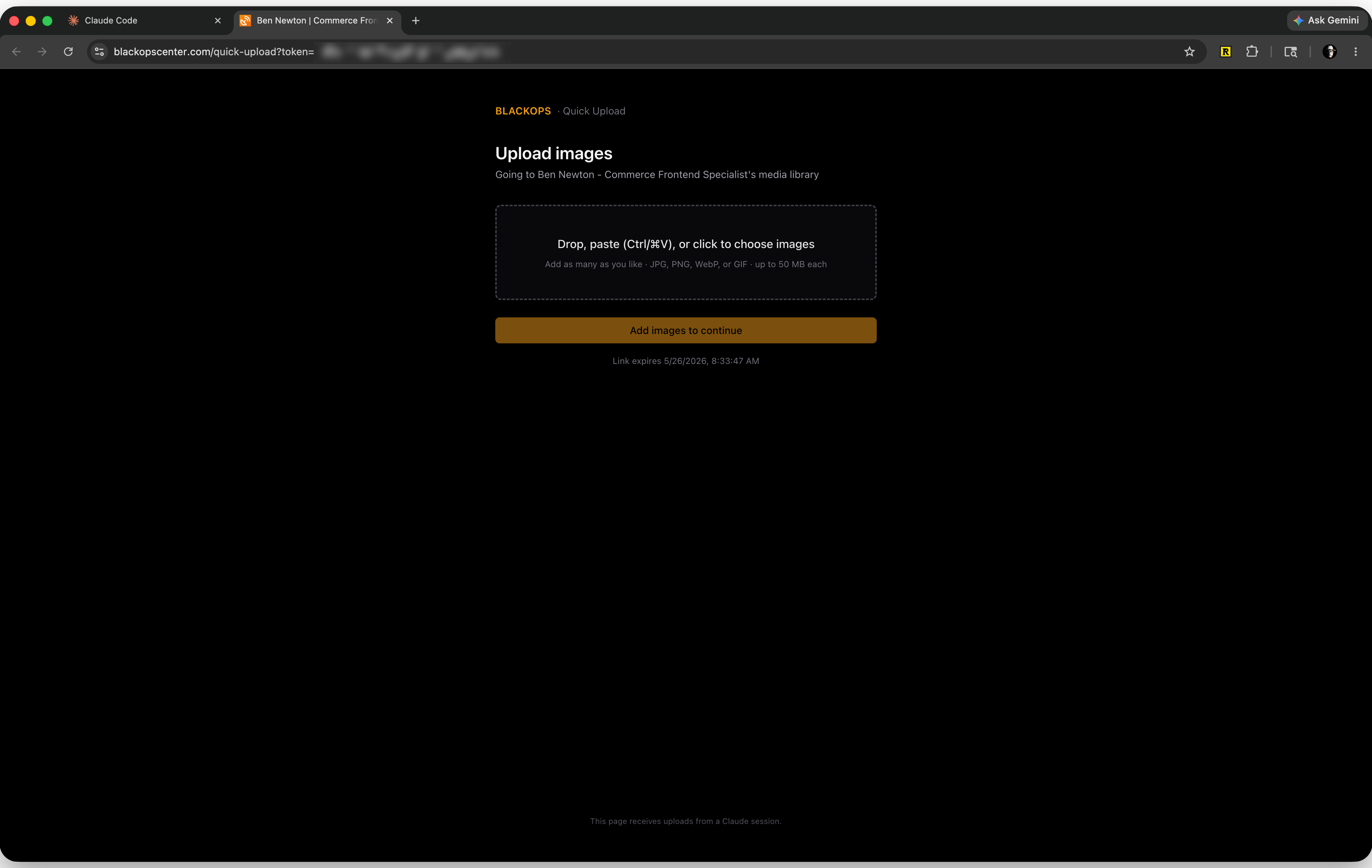
Mid-conversation, the agent hands you a one-time link. You open it, drop the image in, click Done. That is the whole job.
- Paste the image into your AI chat. The assistant sees it as a vision input. It never needs the raw bytes or a file path.
- The assistant prepares the metadata. It writes an SEO-friendly filename and descriptive alt text, and runs a safety scan on what it sees.
- The assistant calls
upload_mediaand hands you a link. BlackOps returns a one-time, token-scoped URL to the quick-upload page. - You open the link and drop the image. Sign in if asked, drop or paste, click Done. The bytes go from your browser to your media library. The assistant never touches them.
- The assistant claims the finished asset. It gets a hosted URL back by token, then attaches the image to a draft post, tweet, thread, or LinkedIn post and keeps working. Your context stays clean.
This is not a demo
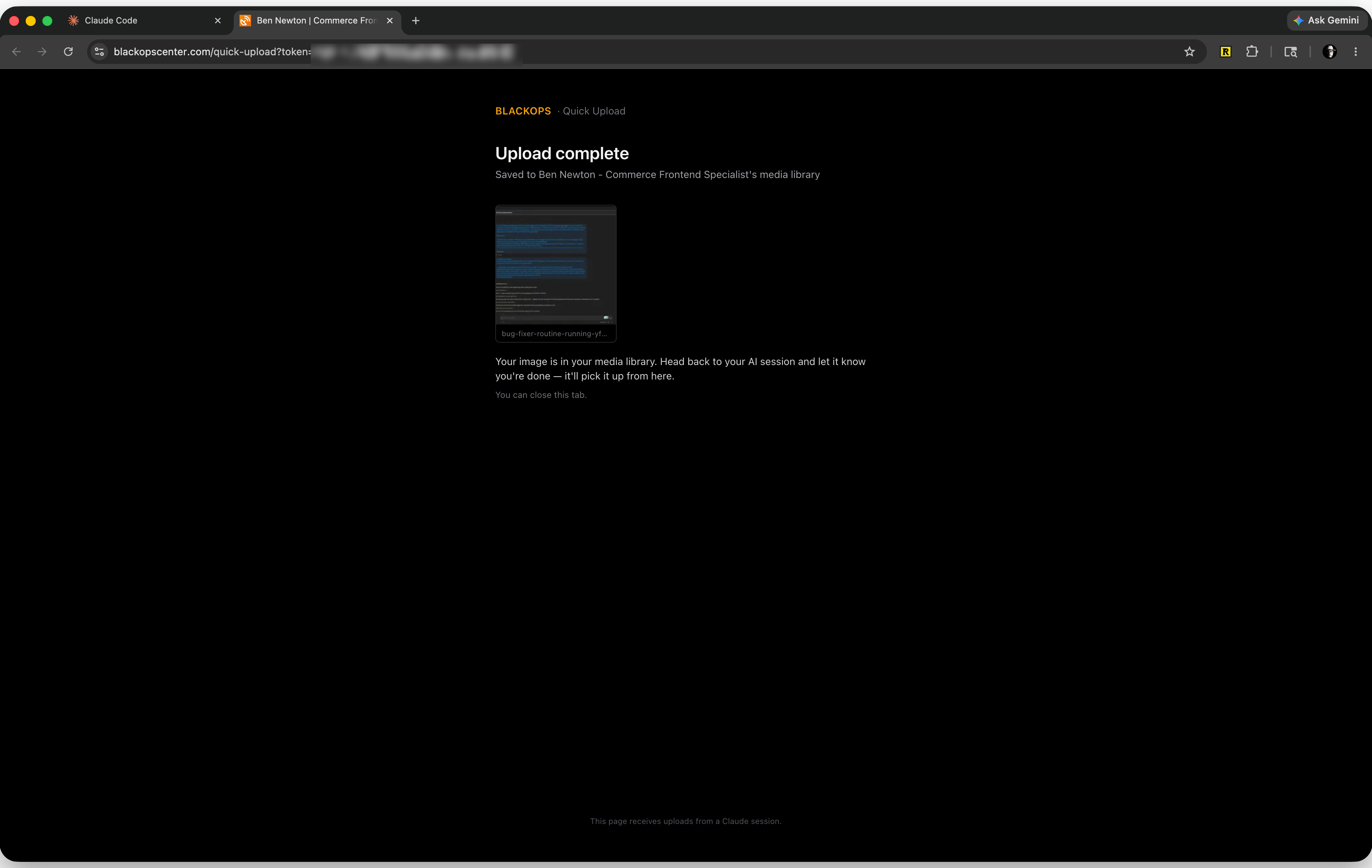
I hit the wall writing my last post. I needed a screenshot of a routine running. The old move would have been to base64 it into the chat and watch the window choke.
Instead I blurred it, dropped it on the link, and the agent embedded it in the published post seconds later. Zero base64.
The safety scan is the agent's job
The bytes are about to leave your machine, and the server never inspects the content. The scan is the agent's job, and the accompanying BlackOps media-upload skill is what makes it happen. The skill tells the agent to actually look at the image and clear it before a single byte uploads. No skill, no scan, so install it and let it do the work.
It checks for secrets in an open devtools panel, API keys and .env values, cross-tenant data sitting in the frame, internal or localhost URLs in the address bar, PII, and stale or draft state you did not mean to ship. Flag anything and the agent stops and asks before uploading. That is why I blurred my screenshot. The scan is the reflex the skill installs. The blur was mine.
One tool, three modes
upload_media does all of it:
- Interactive. No file, no token. Returns a one-time link. The default for a pasted screenshot, and one link takes multiple images.
- Claim. Pass the token, get the finished assets back once you click Done.
- URL. Pass a hosted file URL and it fetches and stores it. The only mode that takes video.
Two byte-bearing parameters are gone for good. file_data and base64, the context-freeze path, are rejected. file_path too, because the MCP server runs remotely and cannot read your local disk.
What this means for you
Same rule sits behind everything in BlackOps: keep the heavy and the sensitive out of the conversation. Bytes. Tokens. Secrets. The chat stays light. The work still gets done.
You can hand your assistant a screenshot and tell it to put it in the library, and the conversation keeps moving. No frozen window. No 500,000-token tax on a 1 MB image. No copy-pasting an upload URL into a separate tool.
It is live in BlackOps now. If your AI workflow keeps choking on images, this is the fix. Full reference is in the docs: Image Upload (MCP).
Human-authored. AI-refined. And no longer paying half a million tokens for a screenshot.