Your analytics finally remembers what it told you last time
Per-site memory for the GA4 and Search Console tools. Deltas since your last look, a recommendation ledger that stops repeating itself, and a dated findings log.

Ask most AI tools about your traffic and you get a fortune cookie. "Improve your top pages." "Post consistently." "Target these keywords." The same advice every week, because the tool forgets you the moment the answer scrolls off the screen.
We fixed that. The GA4 and Google Search Console tools in BlackOps now have memory. Per site. They remember what they read, they remember what they told you, and they lead with what changed since the last time you looked.
See it in action:
What memory actually means
Four things happen now, automatically, every time you pull analytics for a site.
It records the reading. Every GA4 or Search Console call quietly snapshots the numbers. No button, no setup. The history builds itself as you work.
It shows you the delta. The next time you check, the answer leads with what moved. "Clicks up 18% on these three queries since your last look." Not a wall of absolutes you have to diff against last week in your head. When the windows do not match, 28 days versus 7, it says so, so you are never comparing apples to a different-sized bag of apples.
It stops repeating itself. Every recommendation gets fingerprinted. Surface the same idea twice and it does not stack up a duplicate. It tells the assistant the advice is already on record and to report progress instead. This is the part that kills the fortune-cookie loop.
It keeps a log. When you finish an analysis, one call writes a dated, tagged note into BlackOps. If you have an Obsidian vault connected to the site, that same note syncs there too. A readable history of findings and recommendations you can scroll back through, per site, over time, wherever you keep your notes.
How you use it
You do nothing to read the memory. It rides along inside every GA4 and Search Console response. When you wrap up, the assistant records the session so the next one builds on it. Everything is scoped to the site and the surface, so your blog's Search Console memory never bleeds into your store's GA4 memory. Full walkthrough in the docs.
What it is not
It is not another dashboard. We did not bolt on a trends chart, on purpose. The snapshots only land when you actually use the tools, so a chart drawn from them would lie about the gaps. Google already keeps the continuous history. The memory exists for the space between your sessions, and to pin a recommendation to the day you made it. That is the part Google does not track.
Why this matters
A stateless tool gives you the same answer forever. A tool with memory compounds. This is what BlackOps is for. Not more output. Better judgment, accumulated. Your analytics should understand your site better in month six than it did on day one. Now it does.
Related Posts
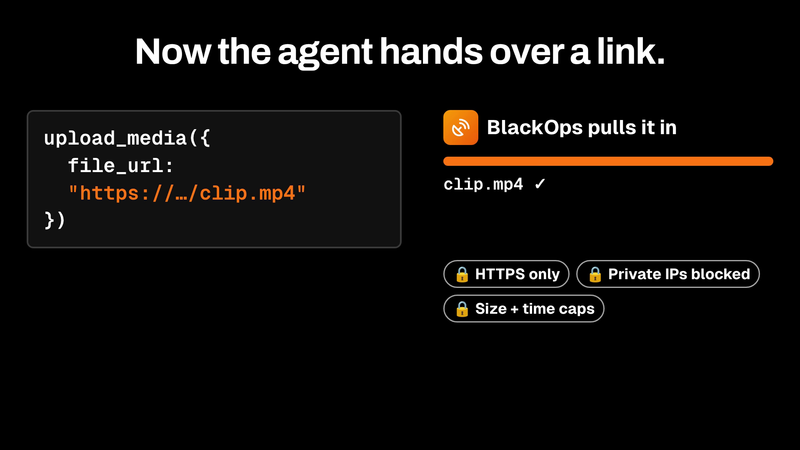
upload_media now pulls files in by URL
upload_media now takes a file_url. BlackOps fetches the file server-side behind SSRF guards and returns an asset ID that attaches straight to a tweet or post.

I kept forgetting my newsletter. Now BlackOps sends it and tells my readers why.
Set a schedule. If you miss it, BlackOps writes the issue from what you published, tells your readers it's covering for you, and sends it. Your own send always wins.

Your Obsidian Daily Notes Can Finally Talk Back
You've been creating Obsidian daily notes for years. Now BlackOps writes them on your schedule, connects them to your calendar and brains, and lets you talk to them from any AI chat.