Streamline Your Newsletter Creation
Efficiently repurpose content into engaging newsletters
Challenges in Newsletter Publishing
Time-Consuming Content Creation
Starting newsletters from scratch takes time and effort.
Inconsistent Voice
Maintaining a consistent tone across platforms is challenging.
Inefficient Workflow
Switching between tools disrupts the creative process.
Lack of Editorial Control
Generic content suggestions don't align with your strategy.
Limited Content Repurposing
Repurposing existing content into newsletters is cumbersome.
Difficulty in Audience Engagement
Crafting engaging content that resonates with your audience is tough.
Transform Your Workflow
Use strategic tools to streamline and enhance your content creation process.
Steps to Optimize Your Newsletter Creation
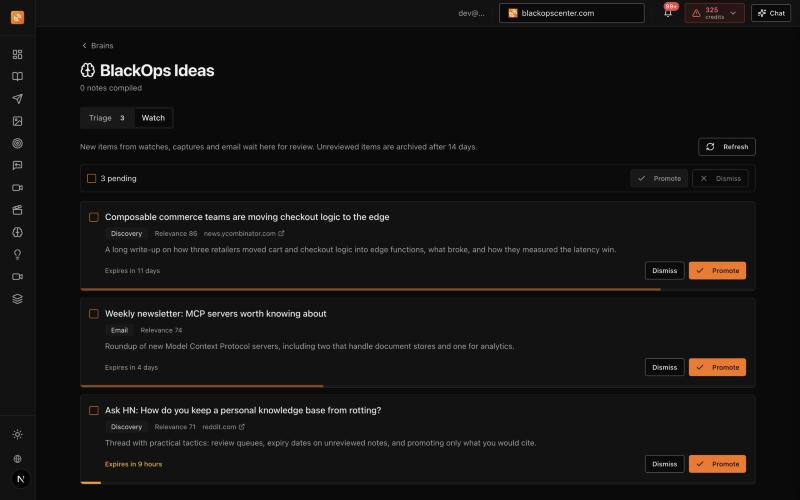
Create a Brain
Organize your existing content by themes and expertise.
- Brains
- Auto-Discovery
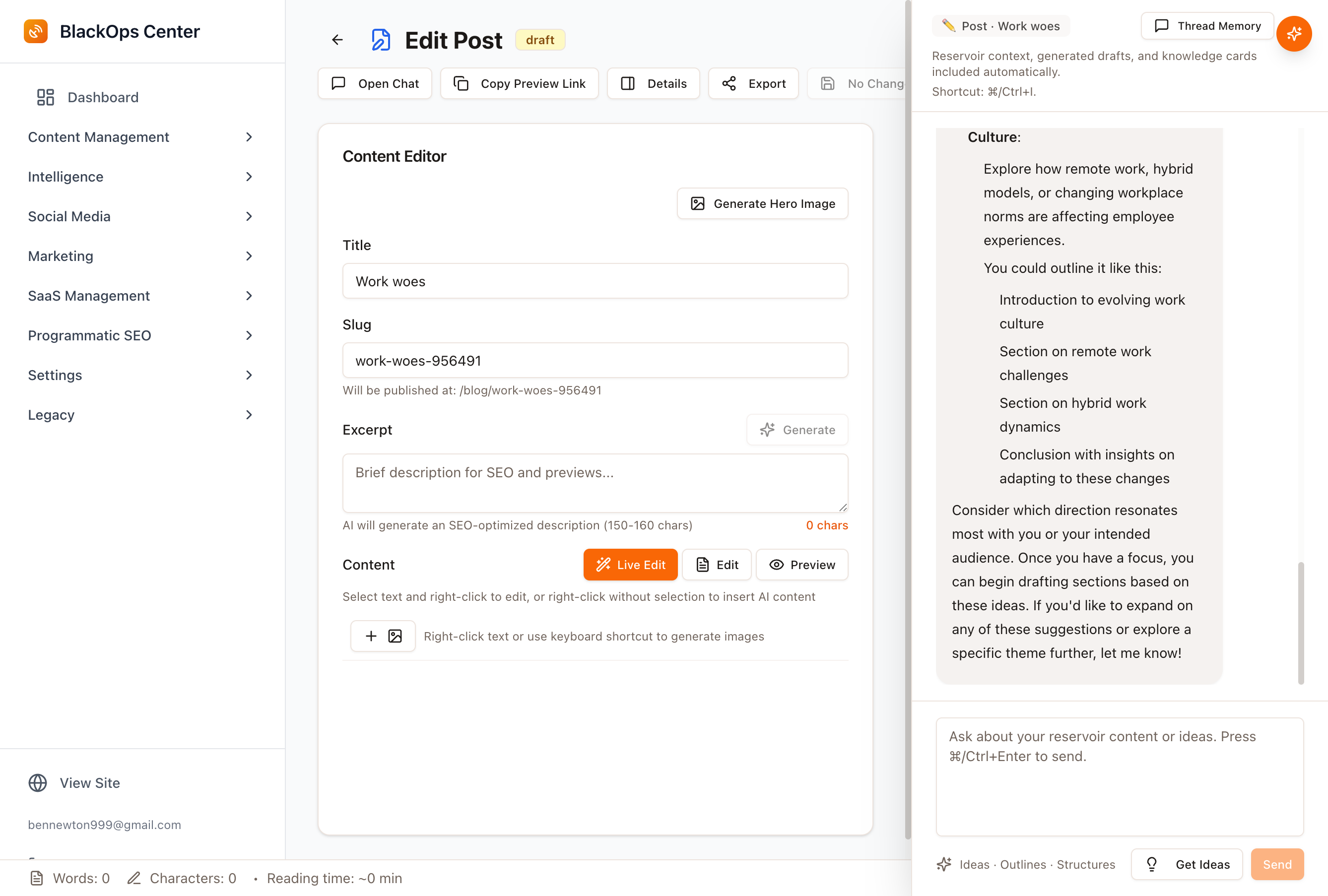
Develop Your Content Strategy
Link brains to strategic objectives and define your audience.
- AI Strategist
- Content Series Planning
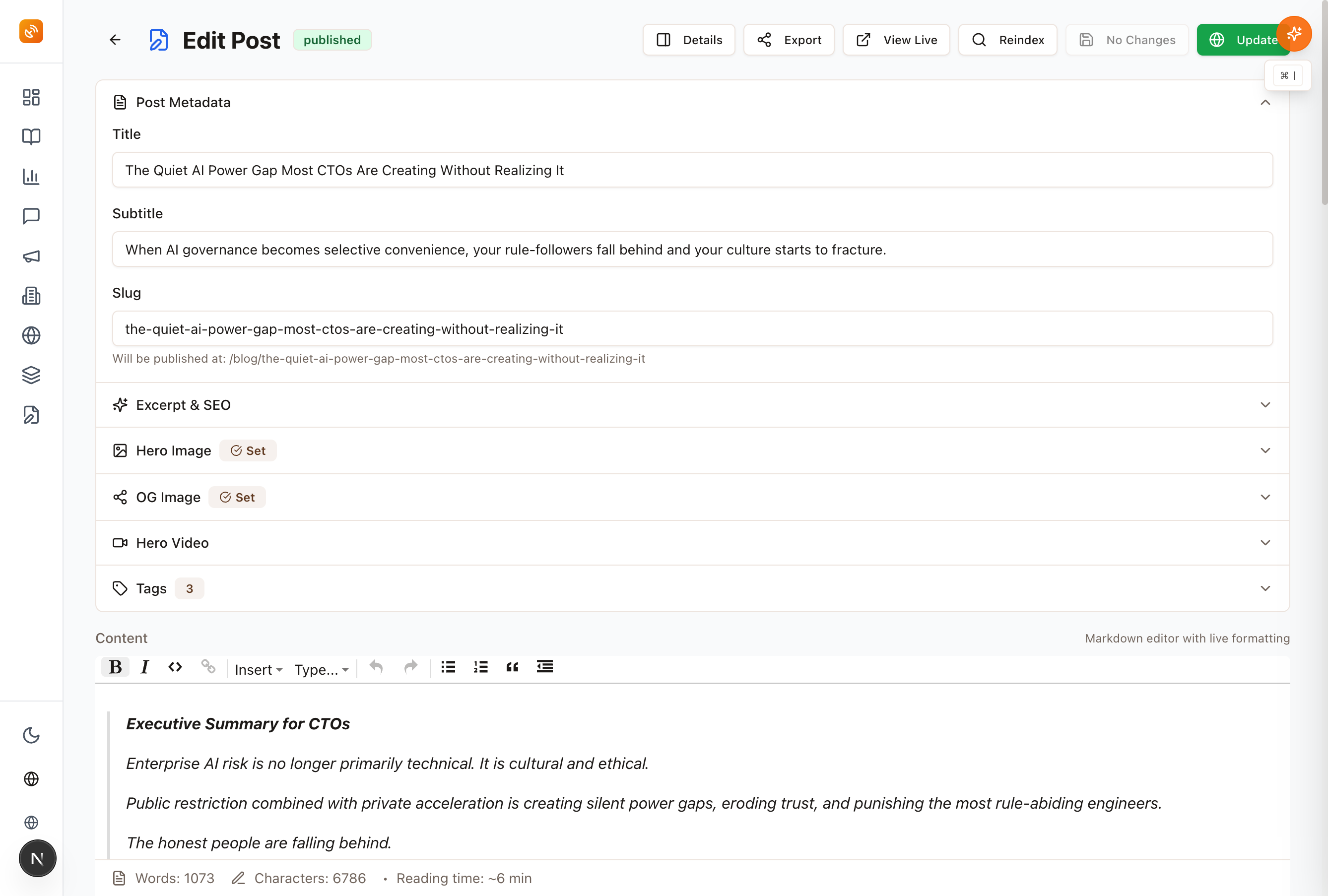
Publish with Consistency
Use AI to refine content while preserving your voice.
- Voice Profile
- Markdown Publishing
Who this is for
Bloggers
Repurpose blog content into newsletters efficiently.
Indie Publishers
Maintain editorial control and voice consistency.
DevRel Professionals
Engage your audience with strategic content campaigns.
Key Features for Content Creators
Brains
Organize and curate content around strategic themes.
Voice Profile
Ensure your authentic voice is preserved across all content.
Write & Publish
Create content in markdown and publish without hassle.
Content Discovery
Automatically surface relevant discussions from key platforms.
AI Strategist
Receive strategic guidance tailored to your content goals.
Proven Results for Content Creators
BlackOps Center has transformed how content creators approach newsletter publishing.
Join the communityAchieve Your Content Goals
Transform your approach to newsletter publishing with strategic tools.
Discover MoreFrequently Asked Questions
How does BlackOps Center preserve my voice?
The Voice Profile feature learns your unique writing style to ensure consistency across all content.
Can I integrate my existing content?
Yes, brains allow you to organize and repurpose existing content efficiently.
What platforms does Content Discovery cover?
Content Discovery surfaces discussions from platforms like HackerNews, Reddit, and YouTube.
How does AI Strategist assist in content creation?
AI Strategist provides strategic guidance tailored to your content goals, ensuring thematic consistency.
Is there support for multi-part content series?
Yes, you can plan and create multi-part content series with logical progression and thematic development.
Elevate Your Newsletter Strategy
Take control of your content creation process with BlackOps Center.
Get StartedTrusted by leading content creators worldwide
Strategic Content OrchestrationConsistent Voice PreservationEfficient Publishing Workflow
Create your own Brain, then a site where you share what you know
What could you talk about for an hour?
Speak it, type it, or upload it. We interview you on your specifics, structure what you know into your own Brain, and draft your first post from it — in your voice, on your own site.
No email until you've seen your Brain. Human-authored. AI-refined.
Featured Articles
Insights on commerce development, AI workflows, and engineering leadership
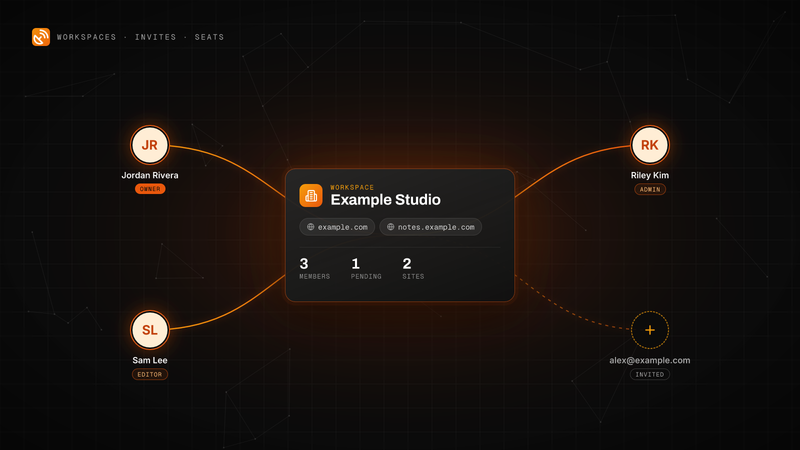
BlackOps Now Works for Teams
Invite people by email to your workspace. They get every site, note and brain, and each one is a seat on your plan.
Workspaces, email invites and teammate seats are live in BlackOps. Here is how to send an invite, what your teammate sees, the three roles, and how seats are billed on Pro and Operator.
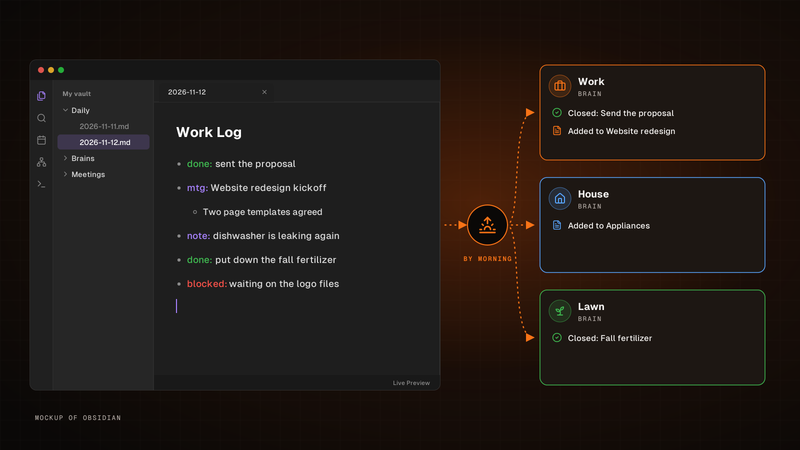
Write one line. It's in the right brain by morning.
Write it in your Obsidian daily note's Work Log. By morning, BlackOps closes the to-dos and tasks you finished and files the rest into the brain each line is about.
Write one line for each thing that happened in the Work Log of your Obsidian daily note. By morning, BlackOps has closed the to-dos and brain tasks you finished, filed the rest into the brain note each line is about, and opened your next note with a receipt.
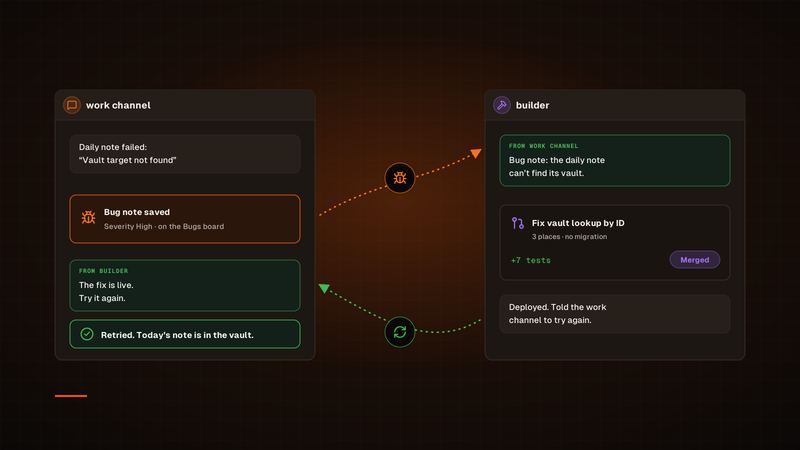
One agent finds the bug. Another ships the fix.
A channel hands its bug to builder. Once the fix is deployed, builder tells that channel to try again, so the agent that hit the bug is the one that checks the fix.
Our bug fixes used to run through a Sortie, and every one started its own session. Now a channel hands its bug to our builder channel in Claude Duet, builder ships the fix, and the channel that found the bug tries again. To check on a fix, we just open builder.
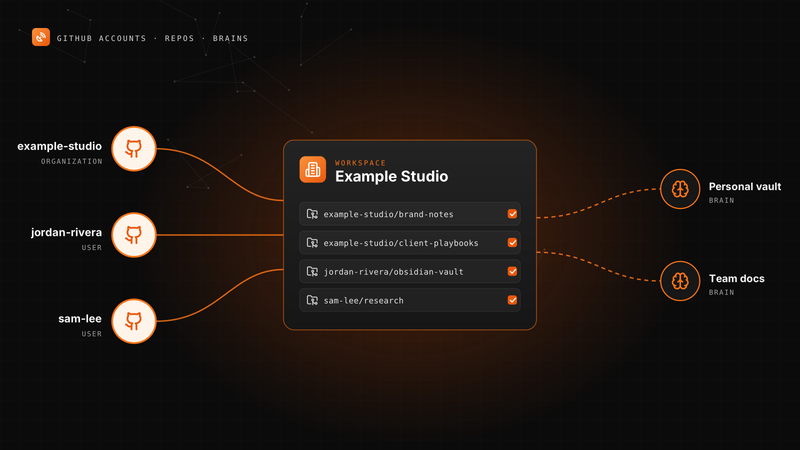
Connect More Than One GitHub Account to BlackOps
Your personal vault, an organization and a second GitHub user can all feed one workspace's notes and brains.
A BlackOps workspace can now connect several GitHub accounts. Here is how to add one, pick knowledge repos, point repo targets and brains at any of them, and change access later.
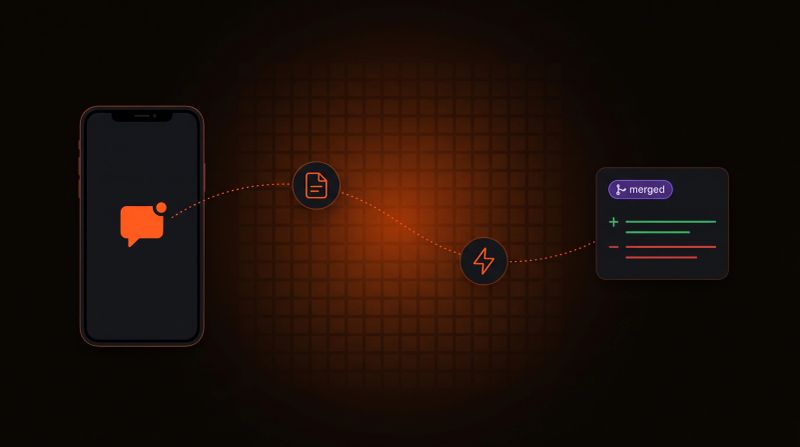
Log a Bug From Your Phone, Get a PR Back
Tell your agent what broke. BlackOps files the bug, a coding agent opens the fix, and nothing merges until you approve it.
Report a bug in any chat with your agent. BlackOps files it as a bug note, fires a coding agent that opens a pull request, and closes the note after you merge.