Streamline Your Newsletter Creation Process
Efficient end-to-end workflow for content teams
Challenges in Newsletter Creation
Scattered Content Sources
Finding relevant content across platforms can be time-consuming.
Inconsistent Voice
Maintaining a consistent brand voice across newsletters is challenging.
Manual Editing
Editing content manually is prone to errors and inefficiencies.
Complex Scheduling
Coordinating send times and managing lists can be cumbersome.
Limited Performance Tracking
Lack of detailed analytics makes it hard to measure success.
Time-Intensive Processes
Traditional workflows are often slow and labor-intensive.
Reframe Your Approach
Adopt a streamlined, strategic workflow with BlackOps Center.
Newsletter Creation Workflow
Add Content Sources
Select existing blog posts, tweets, or custom links as newsletter material.
- Content Reservoirs
- Content Discovery
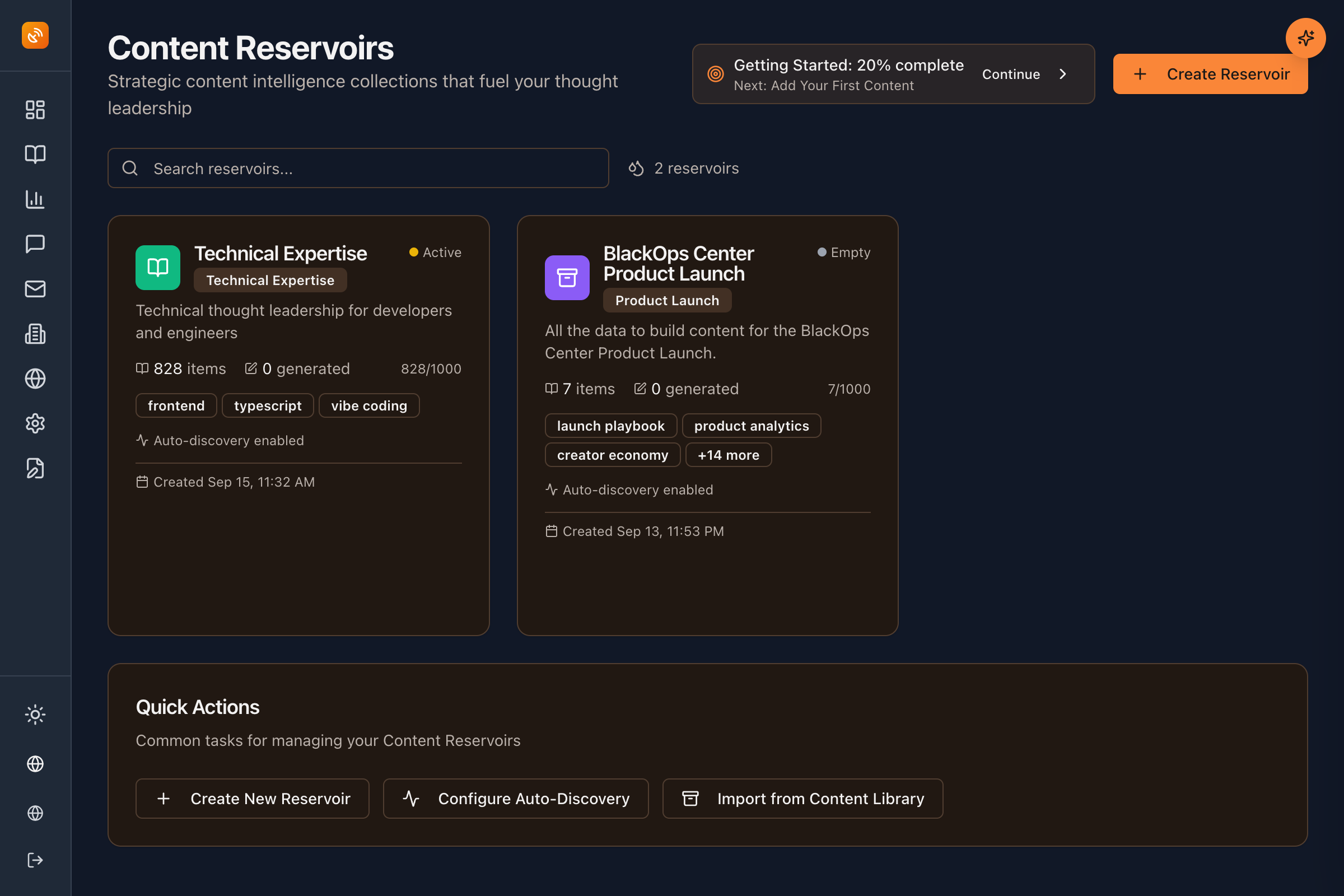
AI Generates Draft
System weaves sources into a cohesive narrative using your voice profile.
- AI Strategist
- Voice Profile
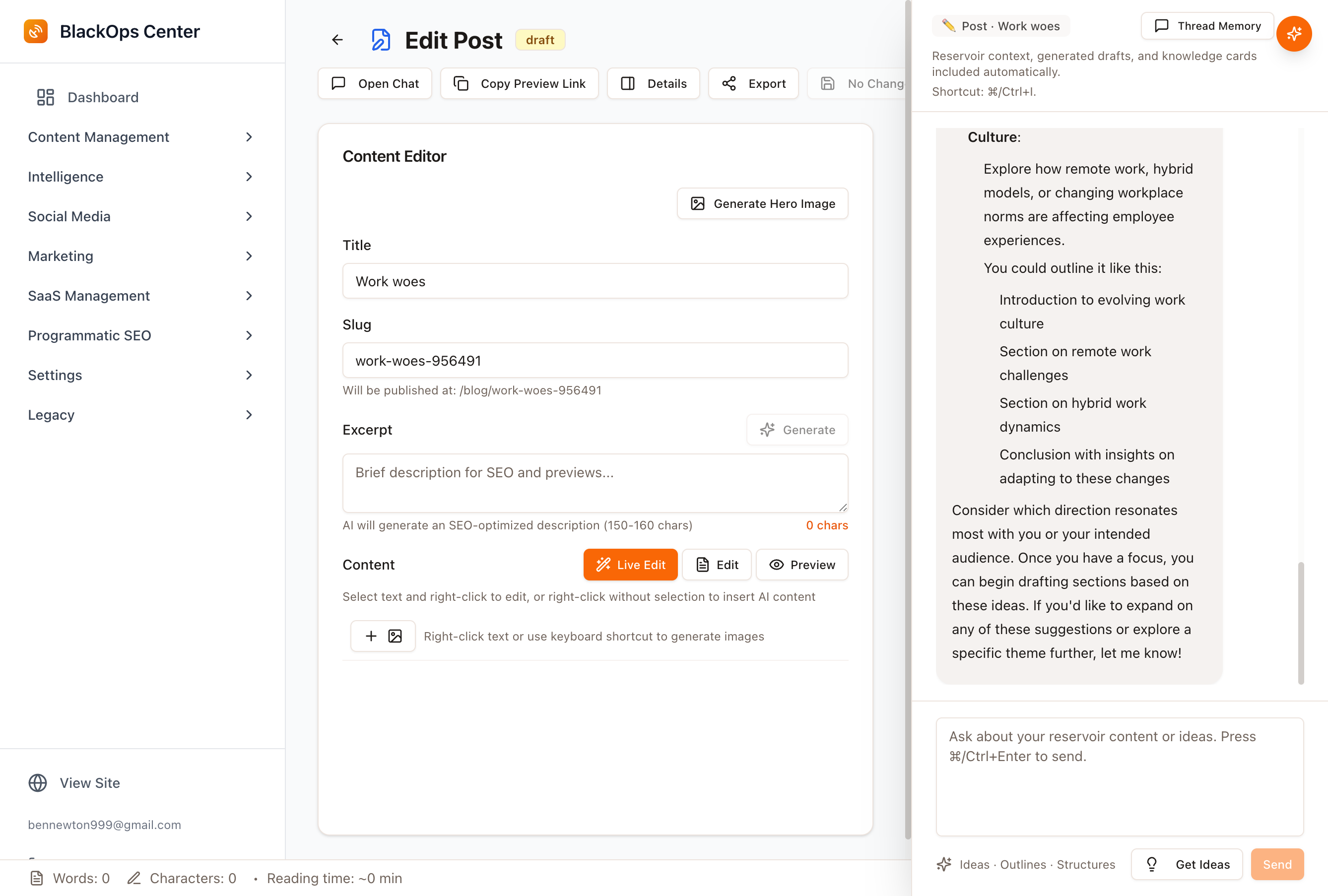
Edit and Refine
Use markdown editor with live HTML preview, add featured images.
- Markdown Editor
- Visual Assets
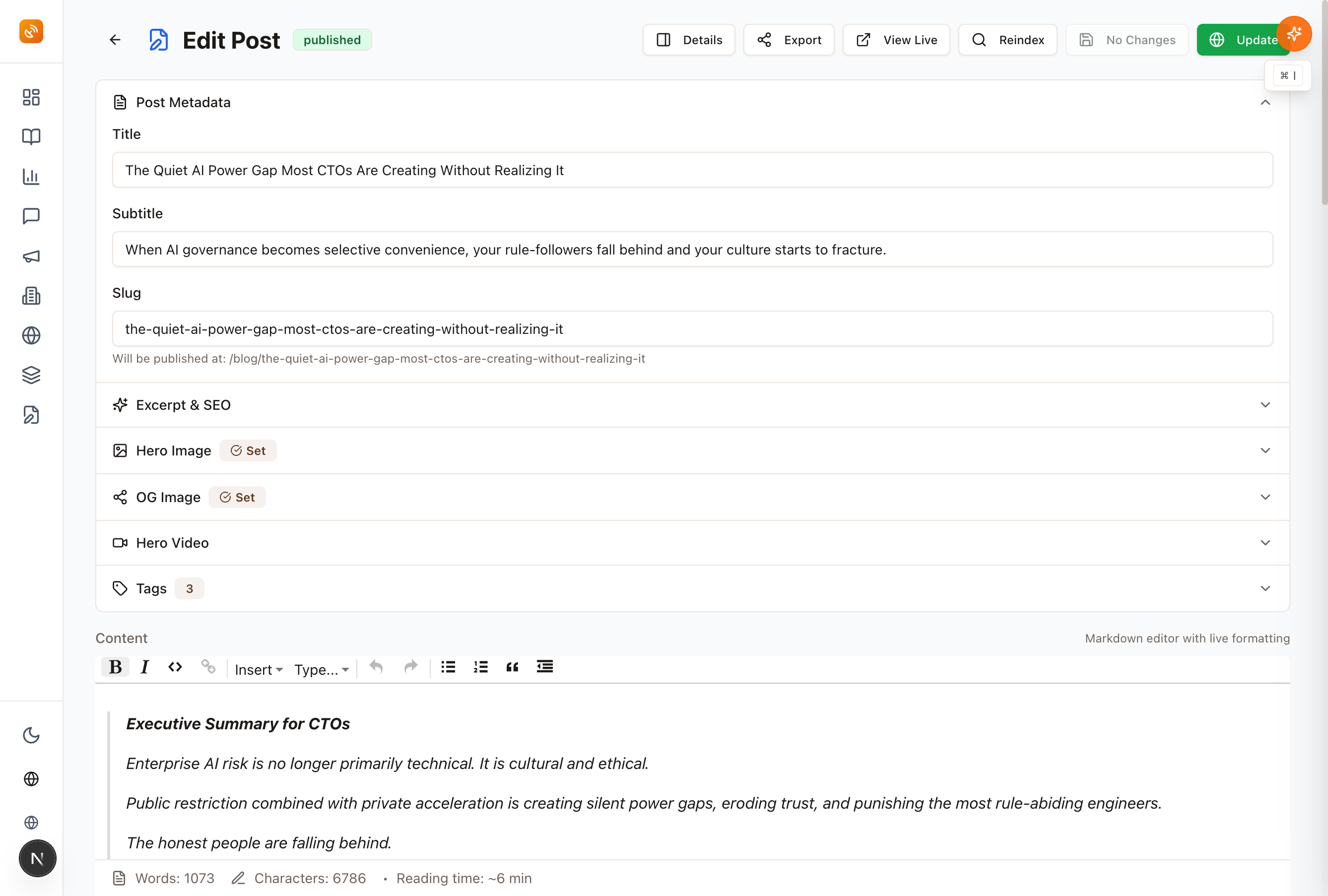
Configure and Schedule
Set from name/email, add header/footer, schedule or send immediately.
- Newsletter Configuration
- Scheduling
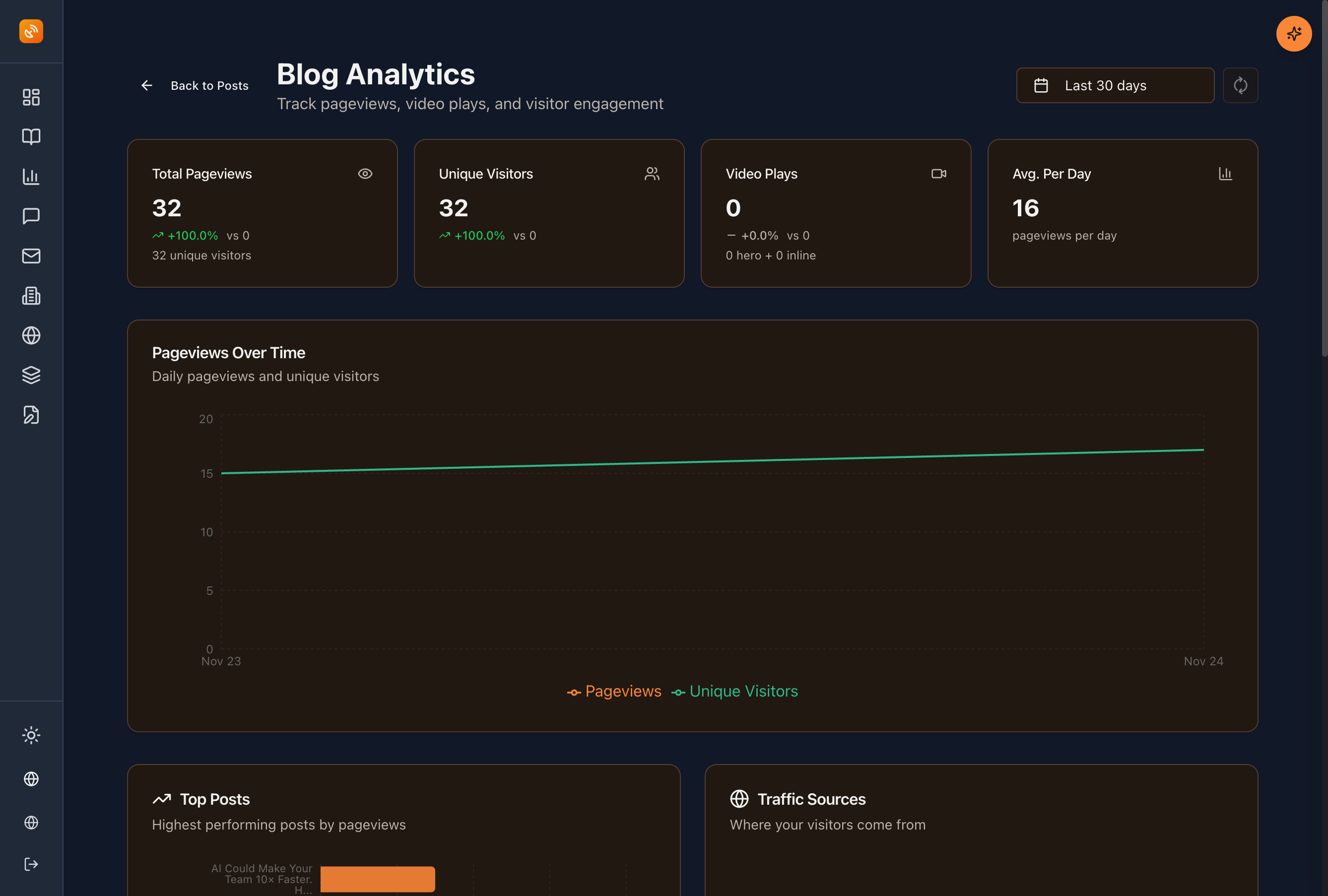
Track Performance
Monitor open/click analytics, subscriber growth, and delivery status.
- Analytics Dashboard
- Performance Tracking
Key Capabilities for Newsletter Success
Content Reservoirs
Organize ideas around themes and plan campaigns before you create.
AI Strategist
Context-aware editor that knows your content strategy.
Voice Profile
Your authentic voice preserved across all content.
Write & Publish
Write in markdown, publish to your hosted site.
Proven Impact
Content teams using BlackOps Center have seen significant improvements in their newsletter workflows.
Join the SuccessFrequently Asked Questions
How does BlackOps Center ensure a consistent voice?
The Voice Profile feature learns your unique writing style and applies it across all content.
Can I track newsletter performance?
Yes, our analytics dashboard provides detailed insights into open rates, click-through rates, and more.
What content sources can I use?
You can integrate blog posts, tweets, and custom links as newsletter material.
Is scheduling newsletters easy?
Absolutely, you can configure send times and manage lists effortlessly.
How does AI assist in content creation?
The AI Strategist weaves your content sources into a cohesive narrative, aligned with your strategy.
Transform Your Newsletter Workflow
Experience the strategic advantage of BlackOps Center.
Get Started TodayJoin a community of successful content teams.
Strategic orchestrationConsistent voiceData-driven insights
Create your own Brain, then a site where you share what you know
What could you talk about for an hour?
Speak it, type it, or upload it. We interview you on your specifics, structure what you know into your own Brain, and draft your first post from it — in your voice, on your own site. No credit card, no billing screens.
No email until you've seen your Brain. Human-authored. AI-refined.
Featured Articles
Insights on commerce development, AI workflows, and engineering leadership

Your Obsidian Daily Notes Can Finally Talk Back
You've kept daily notes for years. Now BlackOps connects them to your calendar, your brains, and your AI chat, and writes them on schedule.
You've been creating Obsidian daily notes for years. Now BlackOps writes them on your schedule, connects them to your calendar and brains, and lets you talk to them from any AI chat.


The Reply Queue: five conversations a day, every reply standing on a fact you own
The reply engine hunts on purpose: one click turns a Hunt into a live X search scored as it renders, every draft stands on a verified receipt from your Brain or your posts, and everything it can't prove gets held back. The flags while you scroll are the bonus.
The Reply Queue ships today: run your Hunts as live X searches scored in the browser, with replies drafted from verbatim-verified facts from your Brain. Six gates between a keyword match and your send button. It defaults to silence. That's the point.

Your analytics finally remembers what it told you last time
Per-site memory for the GA4 and Search Console tools. Deltas since your last look, a recommendation ledger that stops repeating itself, and a dated findings log.
The GA4 and Search Console tools in BlackOps now have per-site memory. They remember what they read, remember what they told you, and lead with what changed since your last look. So the advice stops repeating and starts compounding.