Transform Your Newsletter Strategy
Avoid fees, gain full analytics, and integrate content seamlessly.
Why Substack Isn't Enough
Explore the limitations of Substack and how BlackOps Center addresses them.
Revenue Fees
Substack takes a 10% cut of your revenue, impacting your earnings.
Limited Analytics
Substack lacks retention and cohort data, making it hard to track performance.
Content Isolation
No integration with other content forms like blogs and social media.
Restricted Automation
Limited automation options hinder your ability to scale efficiently.
Basic Customization
Customization options are minimal, restricting brand expression.
Audience Segmentation
Lacks advanced segmentation capabilities for targeted messaging.
Rethink Your Newsletter Strategy
BlackOps Center integrates newsletters into a broader content strategy, enhancing reach and impact.
Getting Started with BlackOps Center
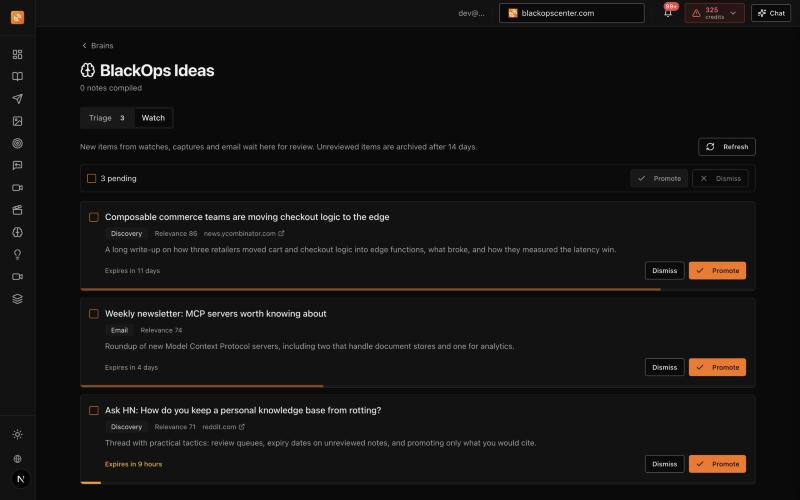
Set Up Your Brain
Create a brain focused on your newsletter's theme.
Organize and gather content from various sources like blogs and social media.
- Brains
- Auto-Discovery
Develop a Strategic Plan
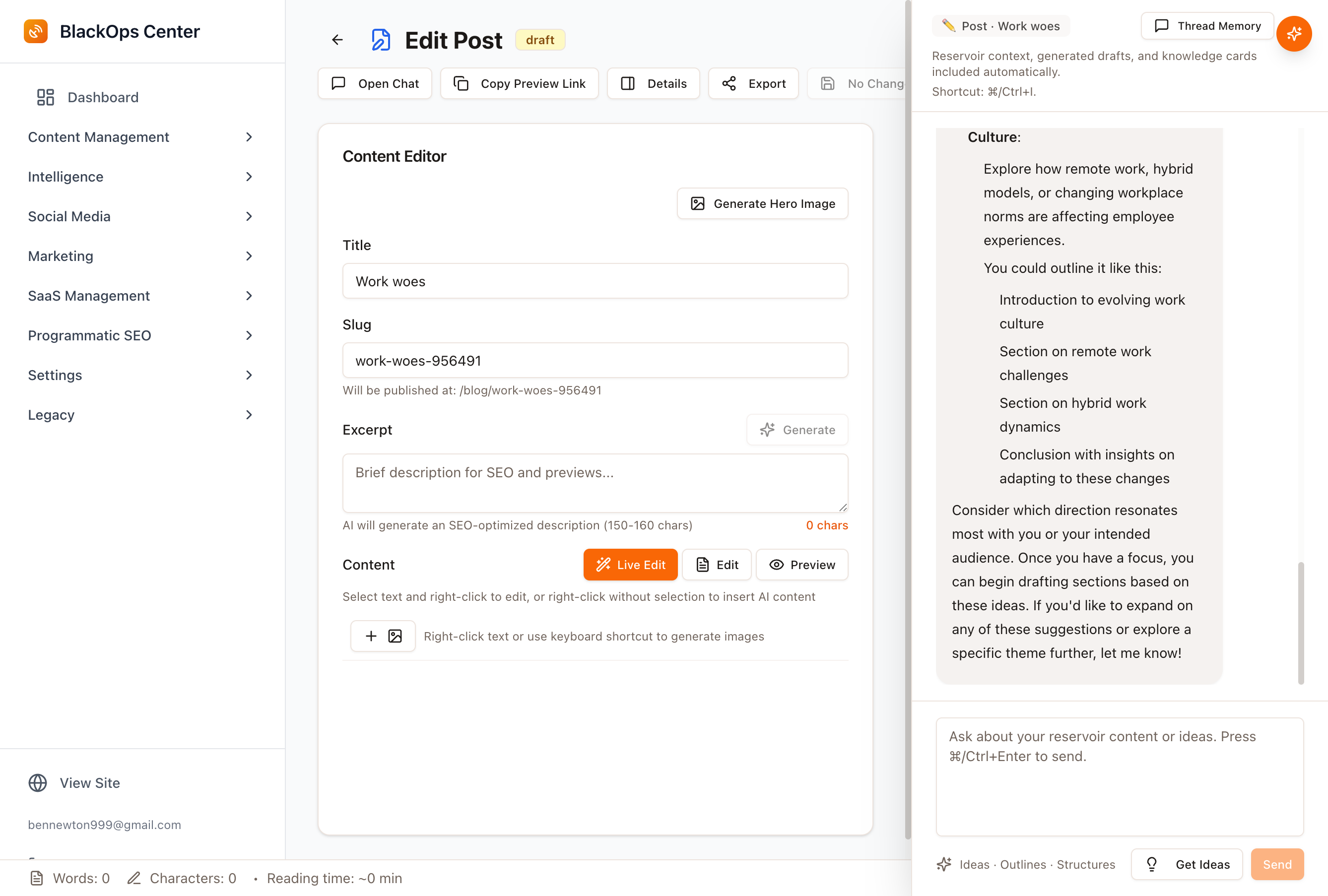
Link your brain to strategic objectives and define your audience.
Plan multi-part content series with AI assistance.
- AI Strategist
- Content Series Planning
Publish and Analyze
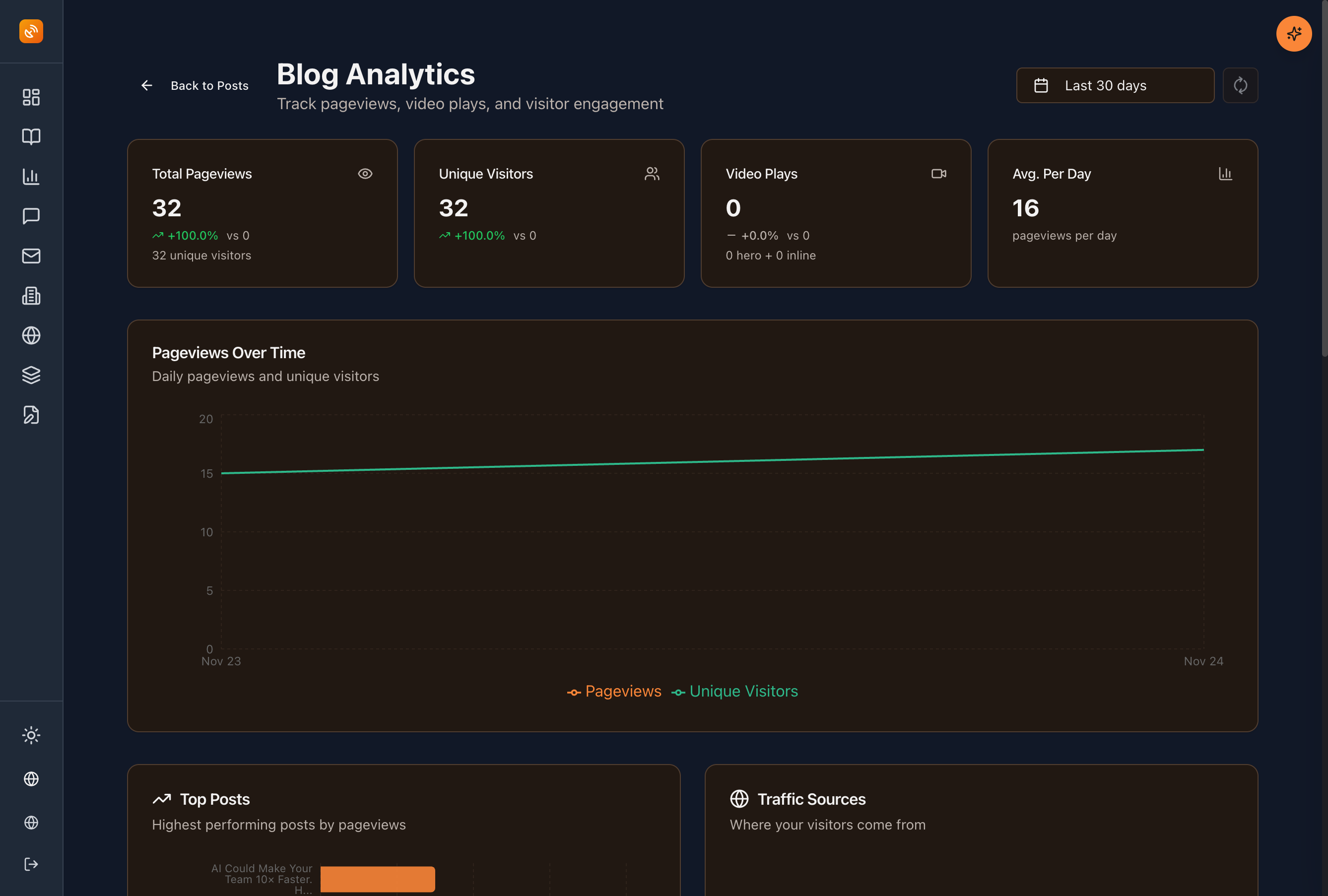
Publish newsletters directly from BlackOps Center with full analytics.
Track open rates, clicks, and optimize for better performance.
- Analytics Dashboard
- Scheduled Delivery
BlackOps Center vs Substack: Feature Comparison
Key Features of BlackOps Center
Brains
Organize ideas around themes and plan campaigns before creation.
AI Strategist
Get strategic guidance tailored to your content goals.
Voice Profile
Preserve your authentic voice across all content.
Comprehensive Analytics
Gain insights with open/click tracking and performance metrics.
Integrated Newsletter
Send newsletters from the same platform you create content.
Proven Success with BlackOps Center
Content creators and publishers are achieving greater success with BlackOps Center.
Join the SuccessTired of Substack's Limitations?
Switch to BlackOps Center for a comprehensive content solution.
Get Started TodayFrequently Asked Questions
How does BlackOps Center compare to Substack?
BlackOps Center offers no platform fees, comprehensive analytics, and integrated content capabilities, unlike Substack.
Elevate Your Newsletter Strategy
Experience the full potential of integrated content creation and analytics.
Say goodbye to platform fees and limited insights.
Try BlackOps Center NowJoin a platform that understands your needs.
No platform feesIntegrated content systemComprehensive analytics
Start with what you know
What could you talk about for an hour?
Speak it, type it, or upload it. We interview you on your specifics, structure what you know into your own Brain, and draft your first post from it, in your voice, on your own site.
No email until you've seen your Brain. Human-authored. AI-refined.
Featured Articles
Insights on commerce development, AI workflows, and engineering leadership
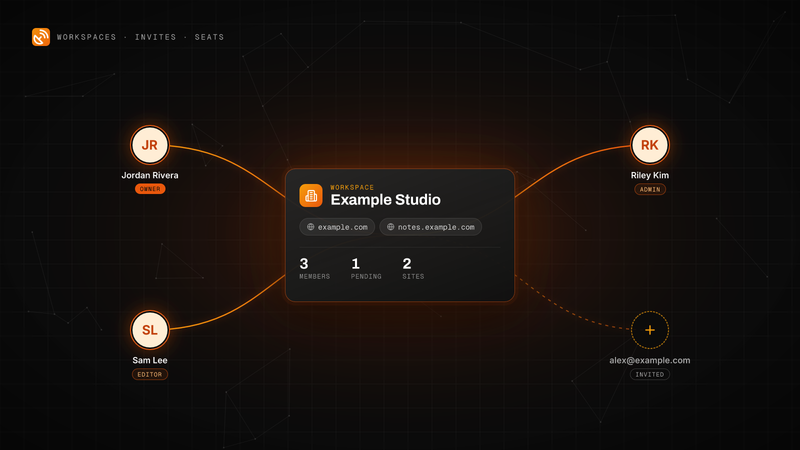
BlackOps Now Works for Teams
Invite people by email to your workspace. They get every site, note and brain, and each one is a seat on your plan.
Workspaces, email invites and teammate seats are live in BlackOps. Here is how to send an invite, what your teammate sees, the three roles, and how seats are billed on Pro and Operator.
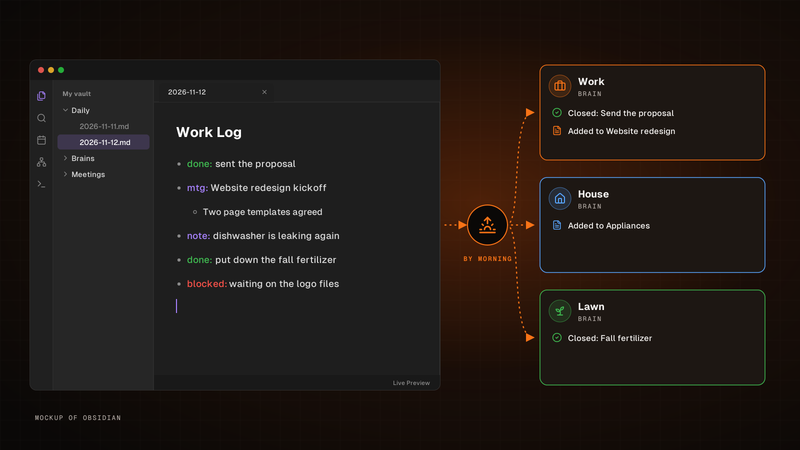
Write one line. It's in the right brain by morning.
Write it in your Obsidian daily note's Work Log. By morning, BlackOps closes the to-dos and tasks you finished and files the rest into the brain each line is about.
Write one line for each thing that happened in the Work Log of your Obsidian daily note. By morning, BlackOps has closed the to-dos and brain tasks you finished, filed the rest into the brain note each line is about, and opened your next note with a receipt.
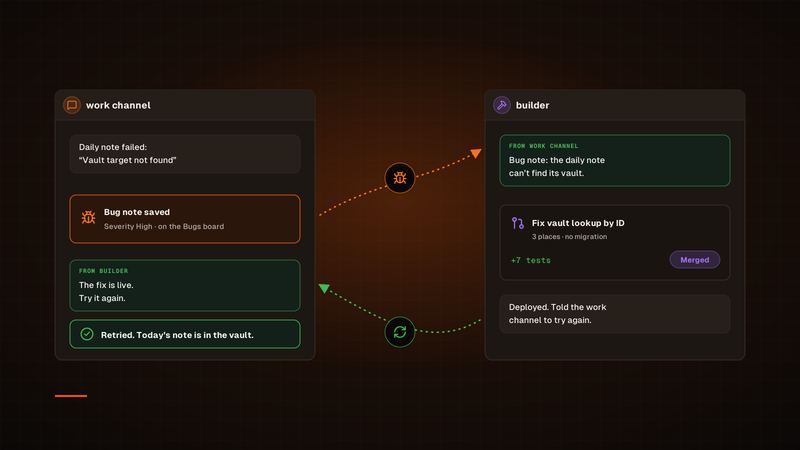
One agent finds the bug. Another ships the fix.
A channel hands its bug to builder. Once the fix is deployed, builder tells that channel to try again, so the agent that hit the bug is the one that checks the fix.
Our bug fixes used to run through a Sortie, and every one started its own session. Now a channel hands its bug to our builder channel in Claude Duet, builder ships the fix, and the channel that found the bug tries again. To check on a fix, we just open builder.
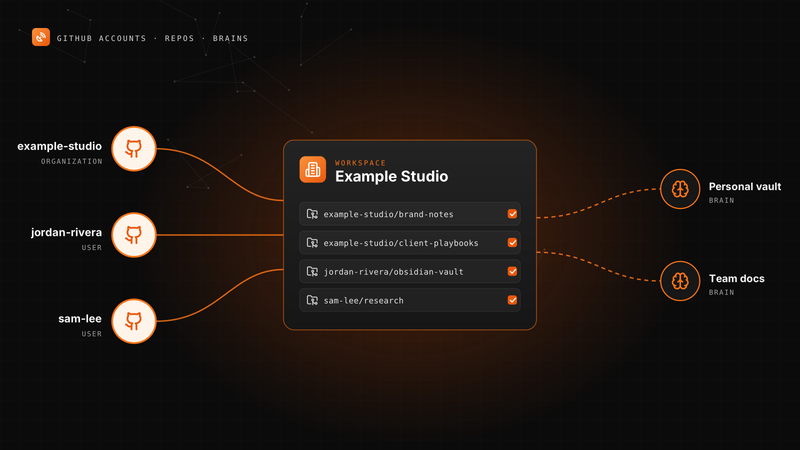
Connect More Than One GitHub Account to BlackOps
Your personal vault, an organization and a second GitHub user can all feed one workspace's notes and brains.
A BlackOps workspace can now connect several GitHub accounts. Here is how to add one, pick knowledge repos, point repo targets and brains at any of them, and change access later.
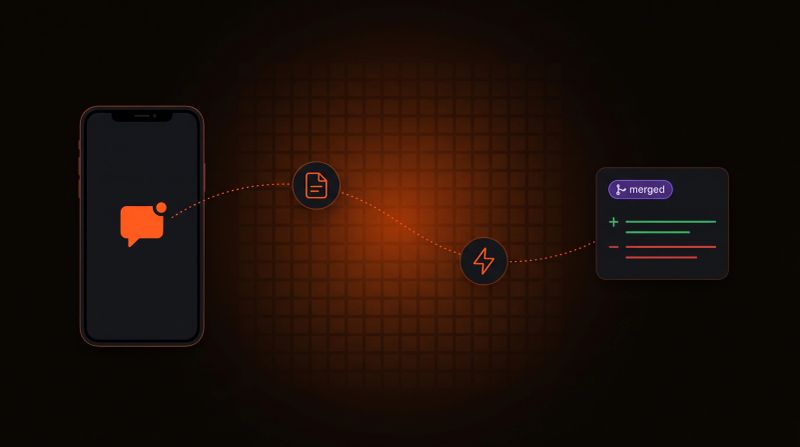
Log a Bug From Your Phone, Get a PR Back
Tell your agent what broke. BlackOps files the bug, a coding agent opens the fix, and nothing merges until you approve it.
Report a bug in any chat with your agent. BlackOps files it as a bug note, fires a coding agent that opens a pull request, and closes the note after you merge.