Video Template Gallery
Visual reference for every built-in scene template in the Video Generation engine — what each one looks like, its typical aspect ratios, duration, and best use.
Every video the Video Generation engine renders is assembled from one or more of the scene templates below. Pick a template per scene, fill in its content slots, and the assembly engine handles brand colors, fonts, and the format-specific layout. This page is a visual reference — for the full slot-by-slot API, see Scene Templates.
Video is opt-in: nothing here attaches a video to a post or tweet automatically. You choose when to generate one, from create_video or the admin editor.
All samples below use placeholder sample content so you can judge layout and motion, not real product data. Stills show the 16:9 format plus the square (1:1) and vertical (9:16) variants where available.
Text-size floor
Every template enforces a minimum legible text size: body copy at least 48px, labels at least 36px, and secondary text at least 75% white. This applies across all three formats, including the tighter square and vertical canvases, so a video stays readable when it plays back small in a phone feed.
Opening scenes
Hook / Headline
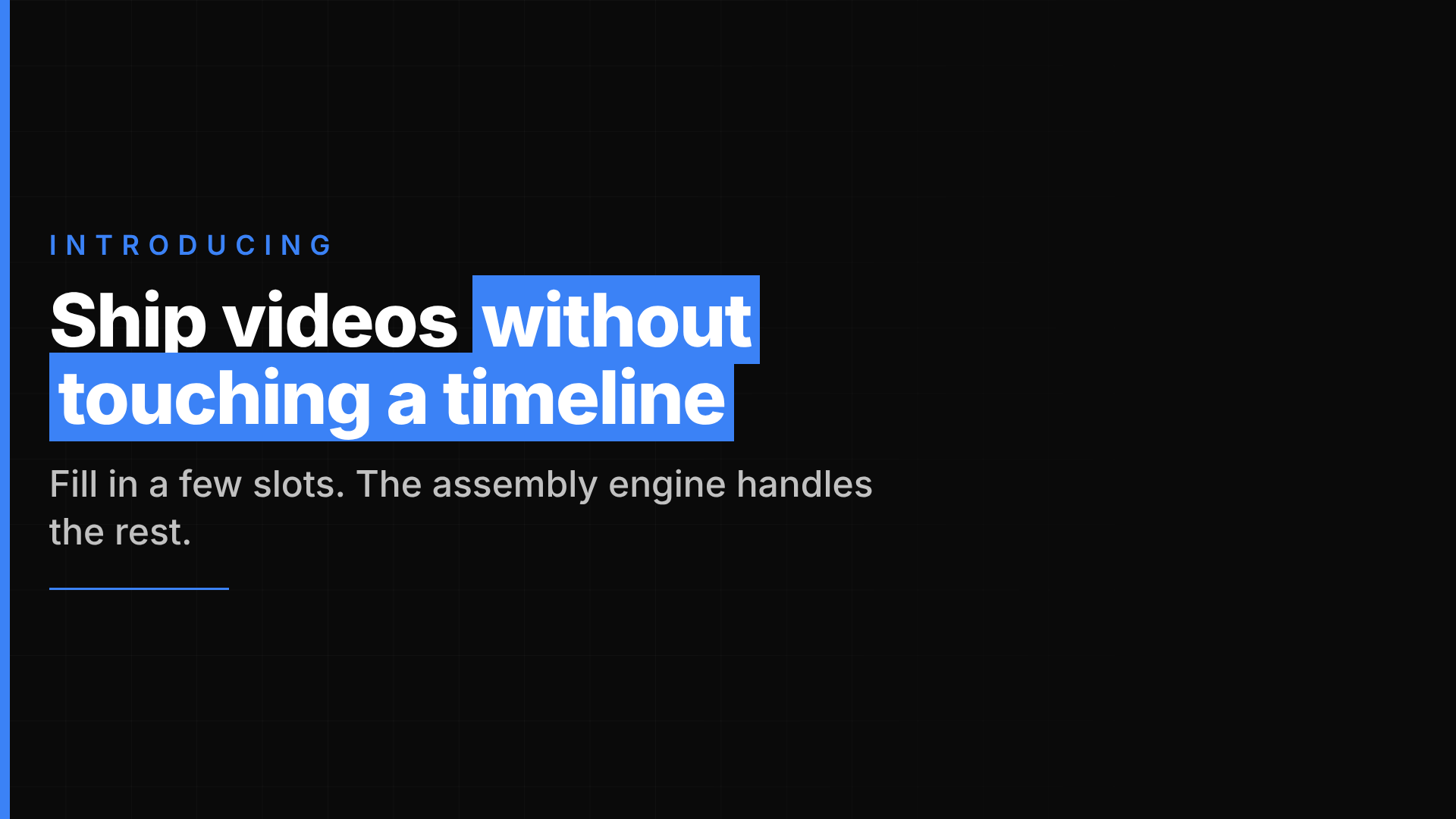
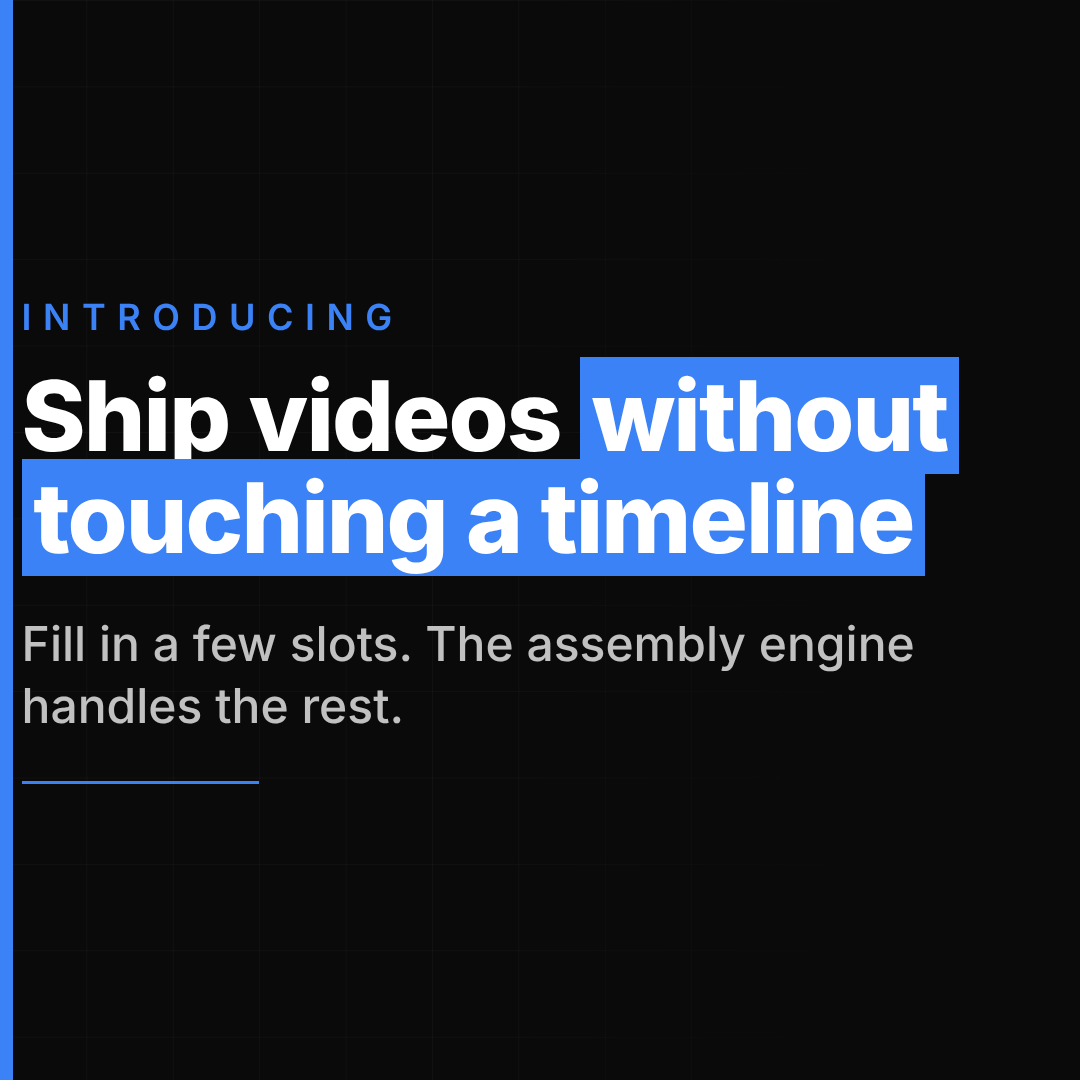
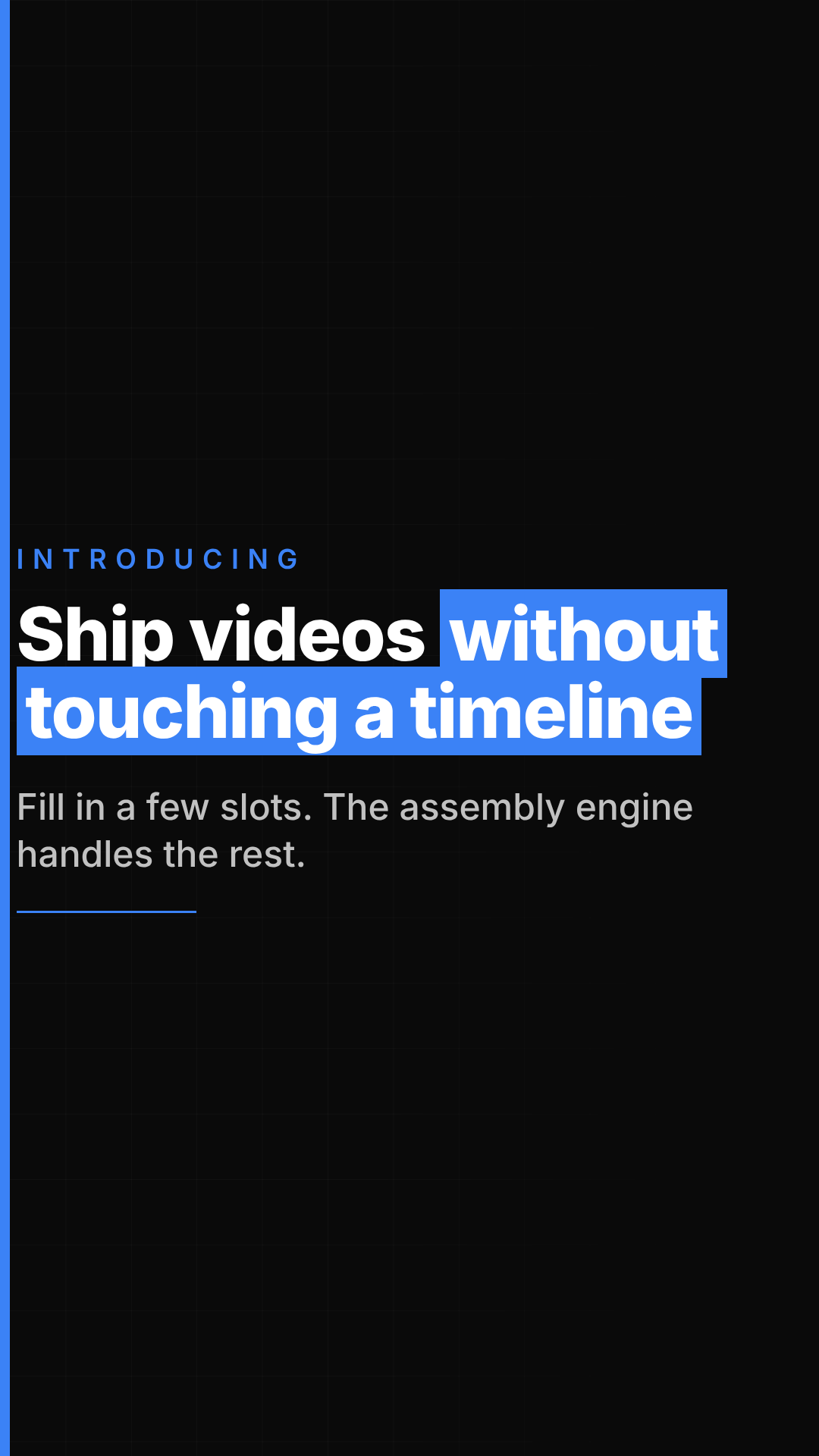
A distinctive, asymmetric title card: content anchored to the left behind a hard-edged accent bar on the frame edge, with an optional eyebrow kicker, a headline with one accent phrase rendered as a solid block highlight, and an optional subtitle. The usual first scene in a video.
- Best use: cold open for an announcement, a thread recap, or any video that needs one punchy line before the detail starts.
- Aspect ratio(s): 1920×1080 base canvas, format-responsive (also renders at 1080×1080 and 1080×1920).
- Typical duration: ~4s.
Demos
Chat Demo
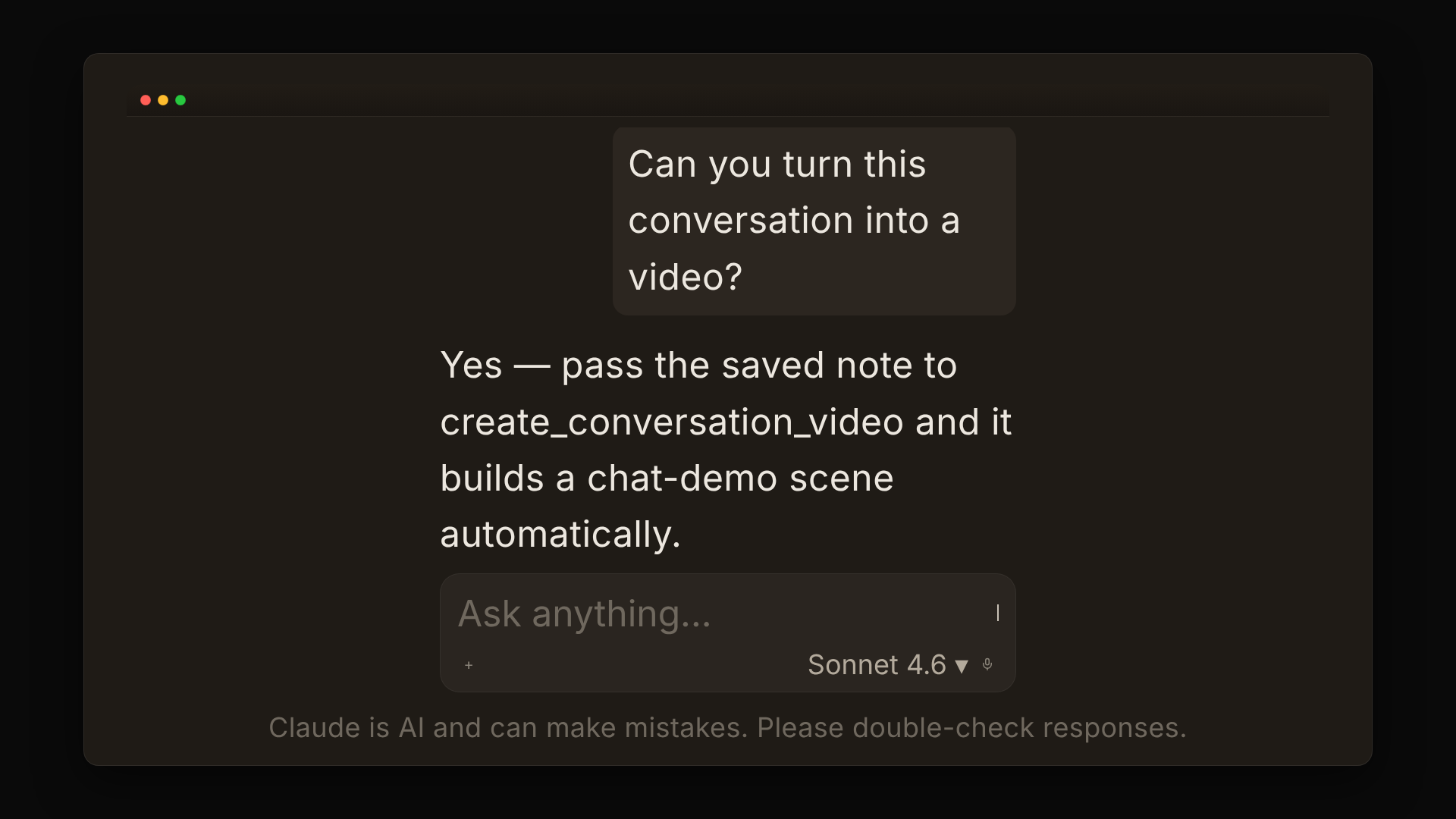
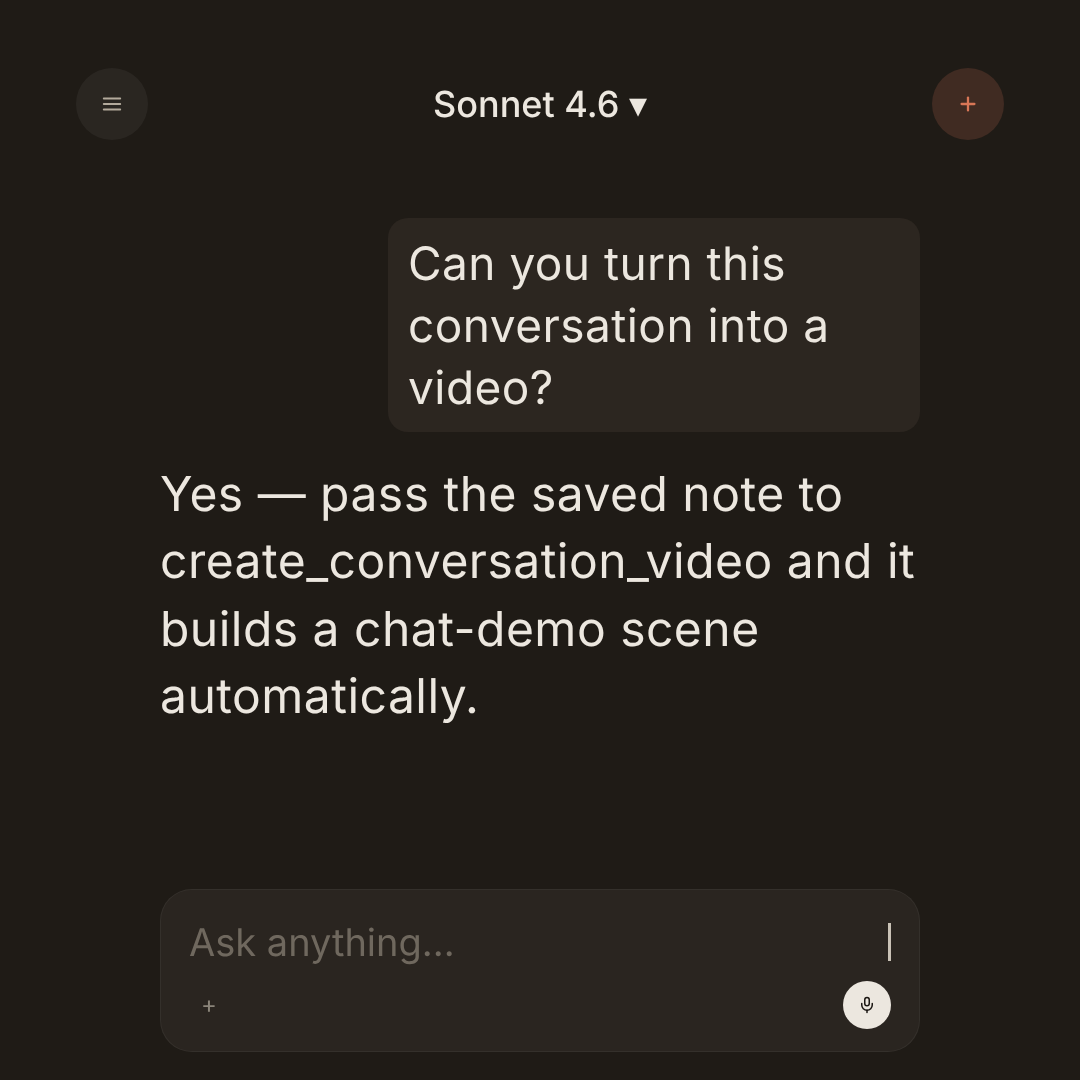
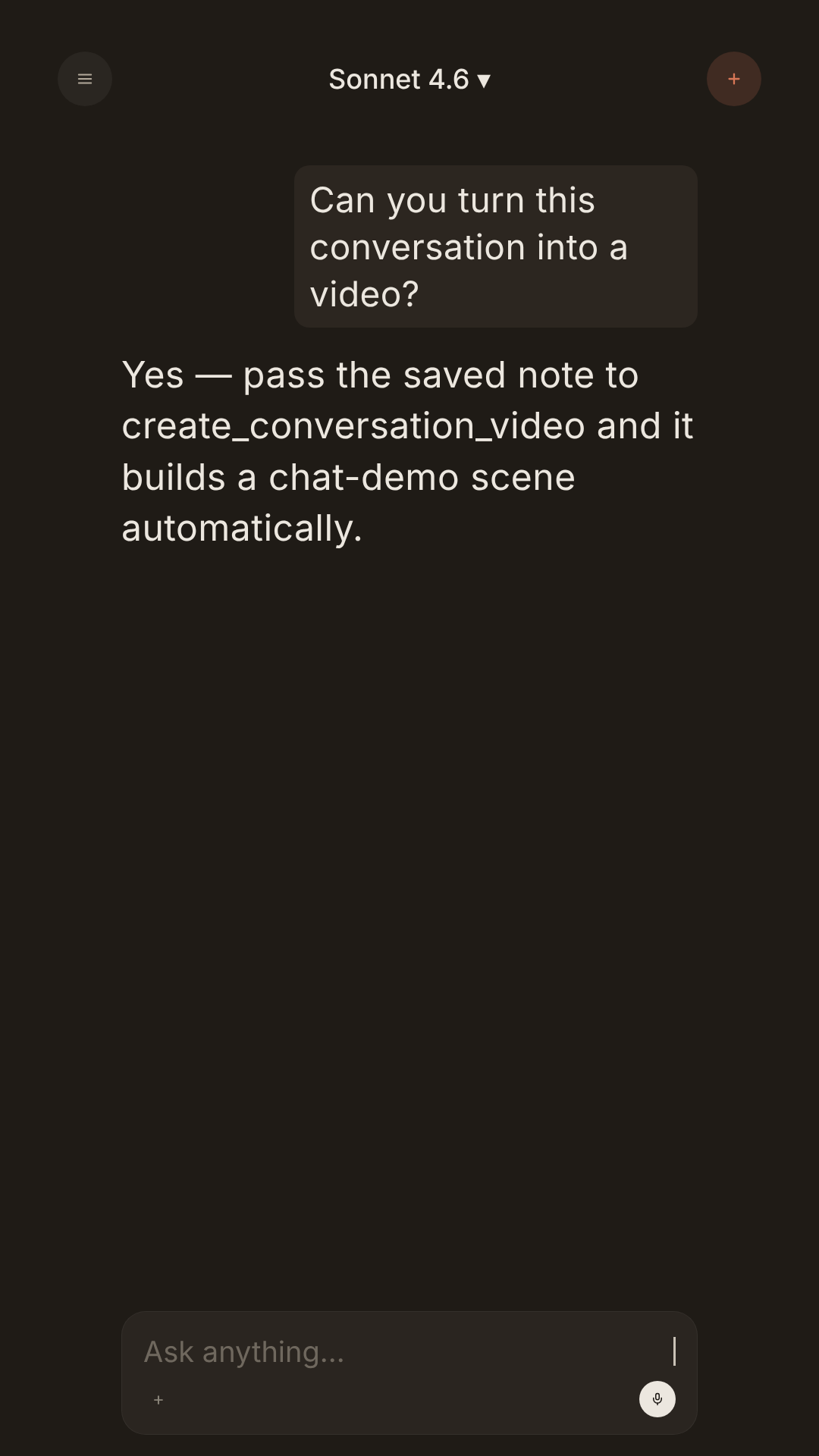
An animated chat interface — a multi-turn script types in and scrolls automatically, with tool-call chips rendered inline. Desktop (app window), phone, and square layouts all share the same script.
- Best use: showing an AI-assisted workflow end to end. This is also the scene the Conversation Video pipeline uses to turn a saved conversation into a video.
- Aspect ratio(s): 1920×1080 base canvas; desktop, phone, and square layouts.
- Typical duration: ~12s, auto-scales with the number of turns.
Code Block
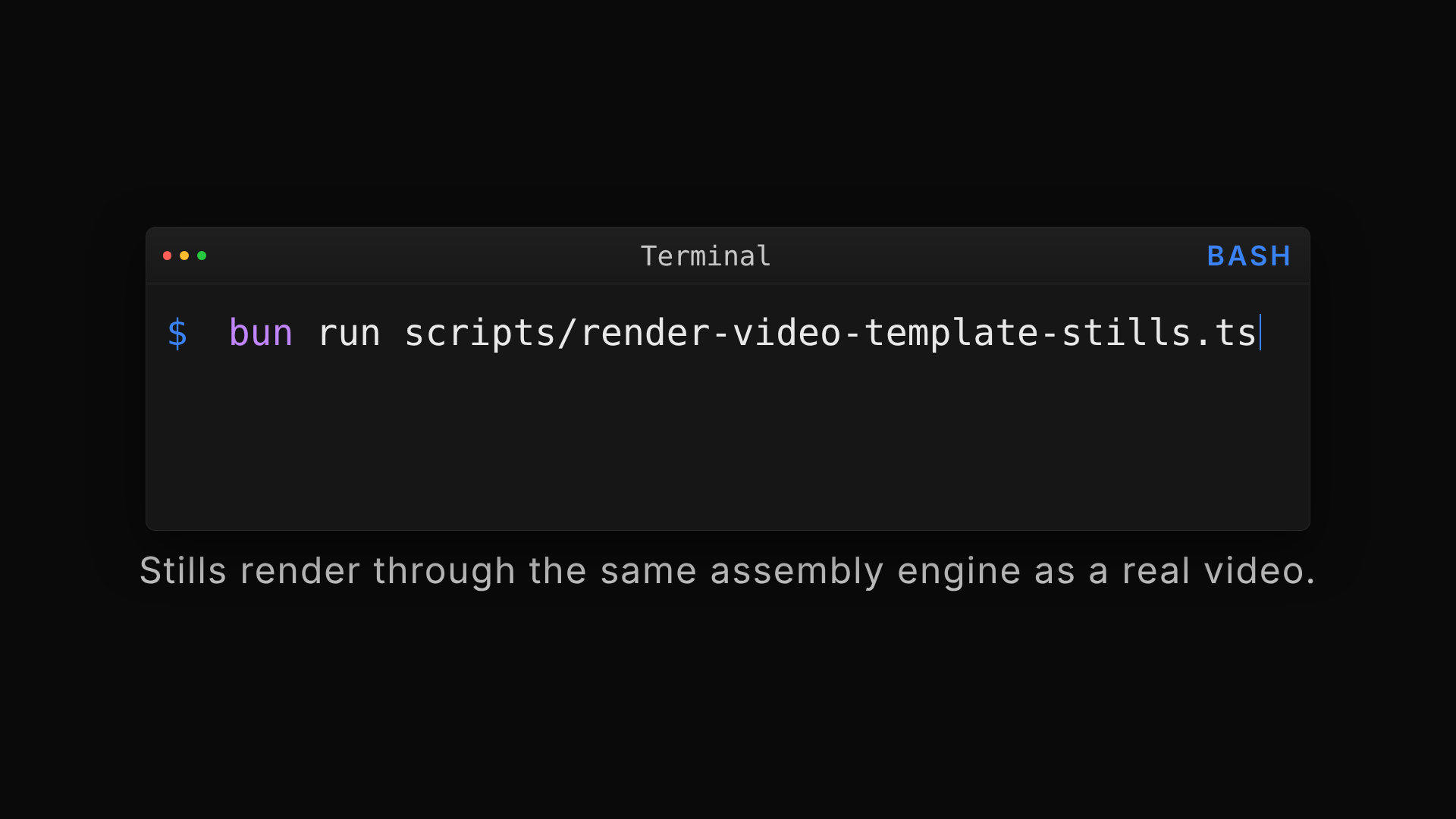
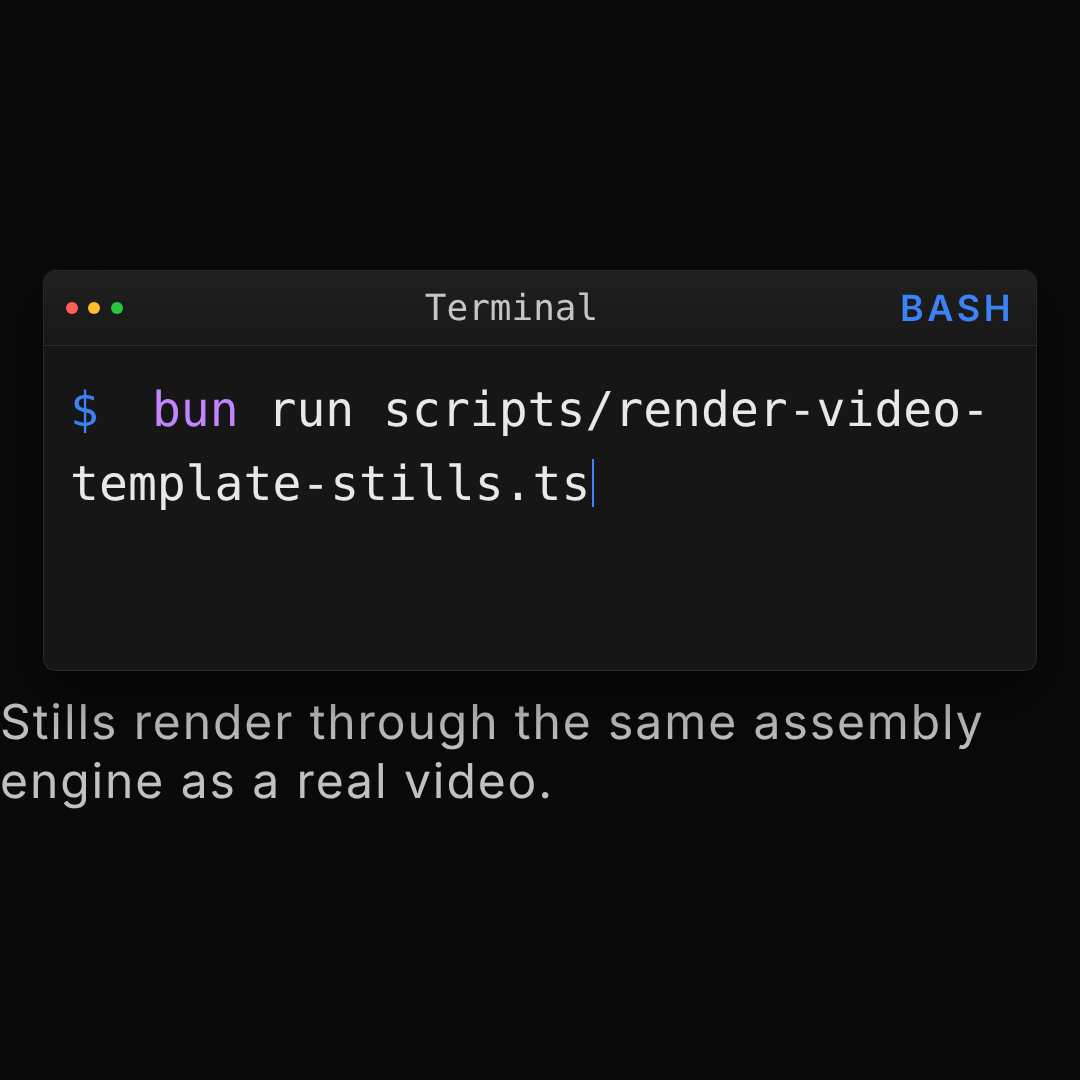
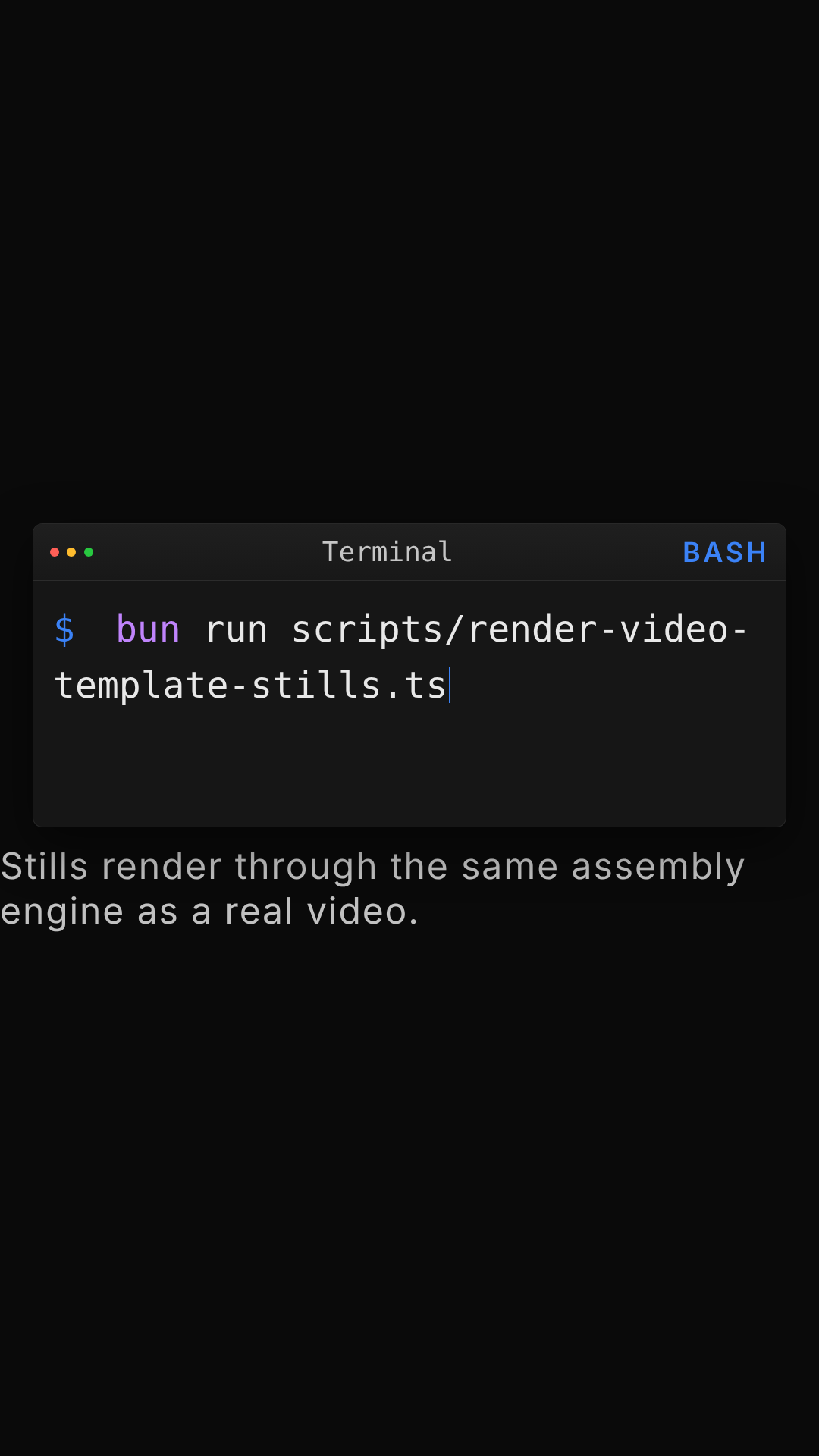
A terminal or IDE-style panel with a typewriter code reveal and basic syntax highlighting for bash, JSON, TypeScript, TSX, or Python.
- Best use: showing a CLI command or a short config/code snippet in developer-facing content.
- Aspect ratio(s): 1920×1080 base canvas, format-responsive.
- Typical duration: ~8s.
Browser Frame
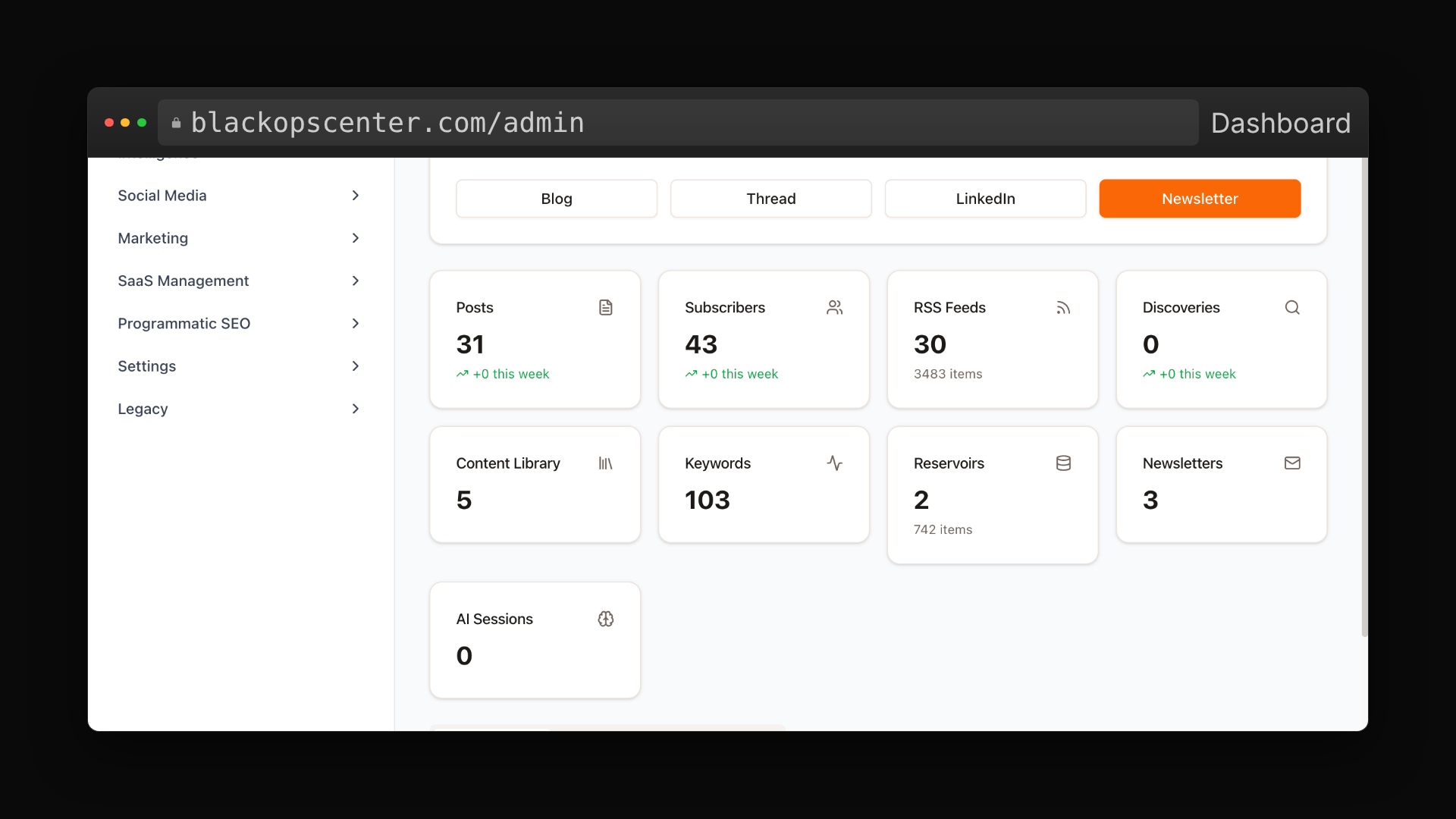
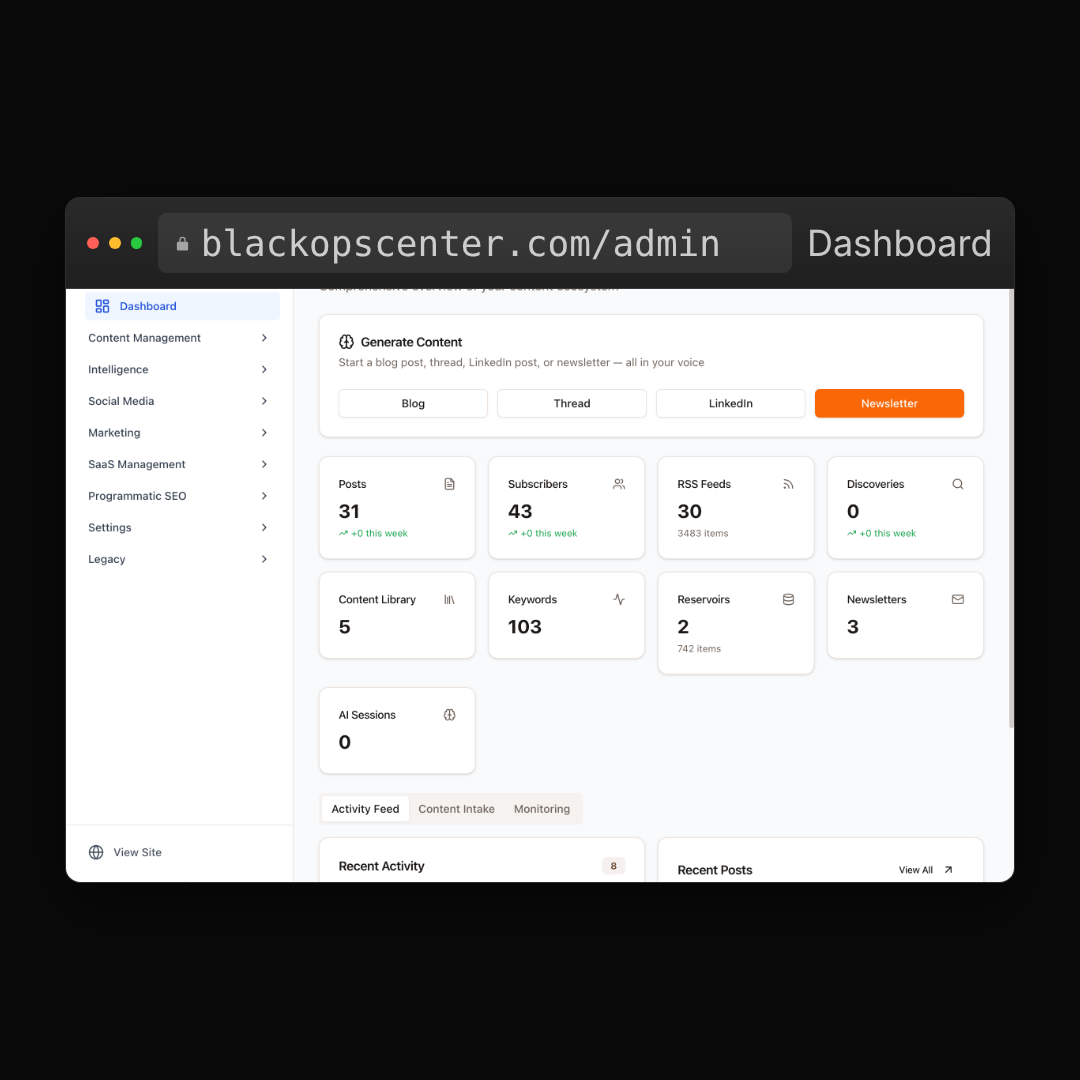
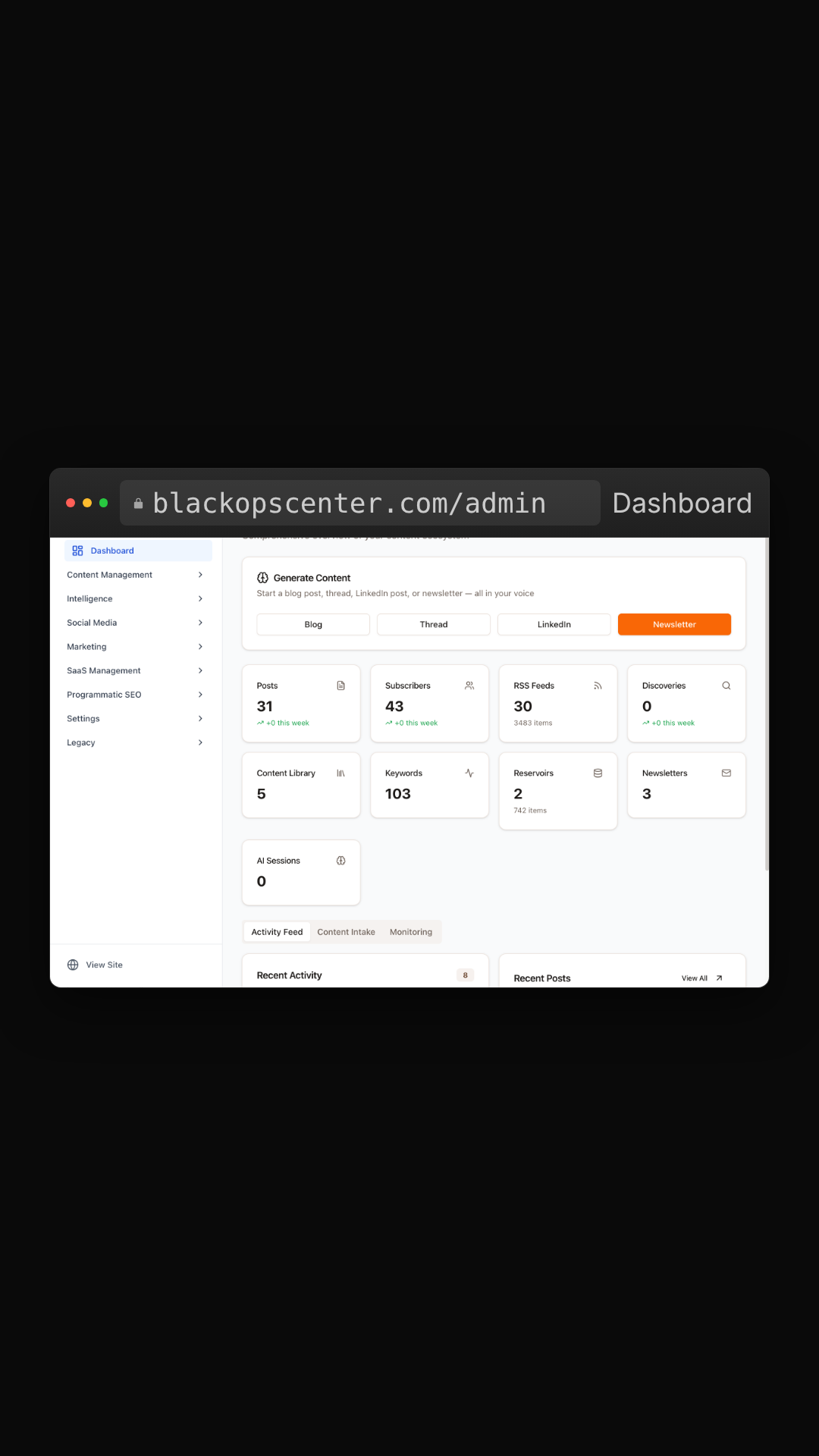
Wraps a screenshot or embedded HTML in a Safari- or Chrome-style browser chrome, complete with a URL bar.
- Best use: showing a real page or dashboard in context, with a URL that grounds it.
- Aspect ratio(s): 1920×1080 base canvas, format-responsive.
- Typical duration: ~5s.
Phone Frame
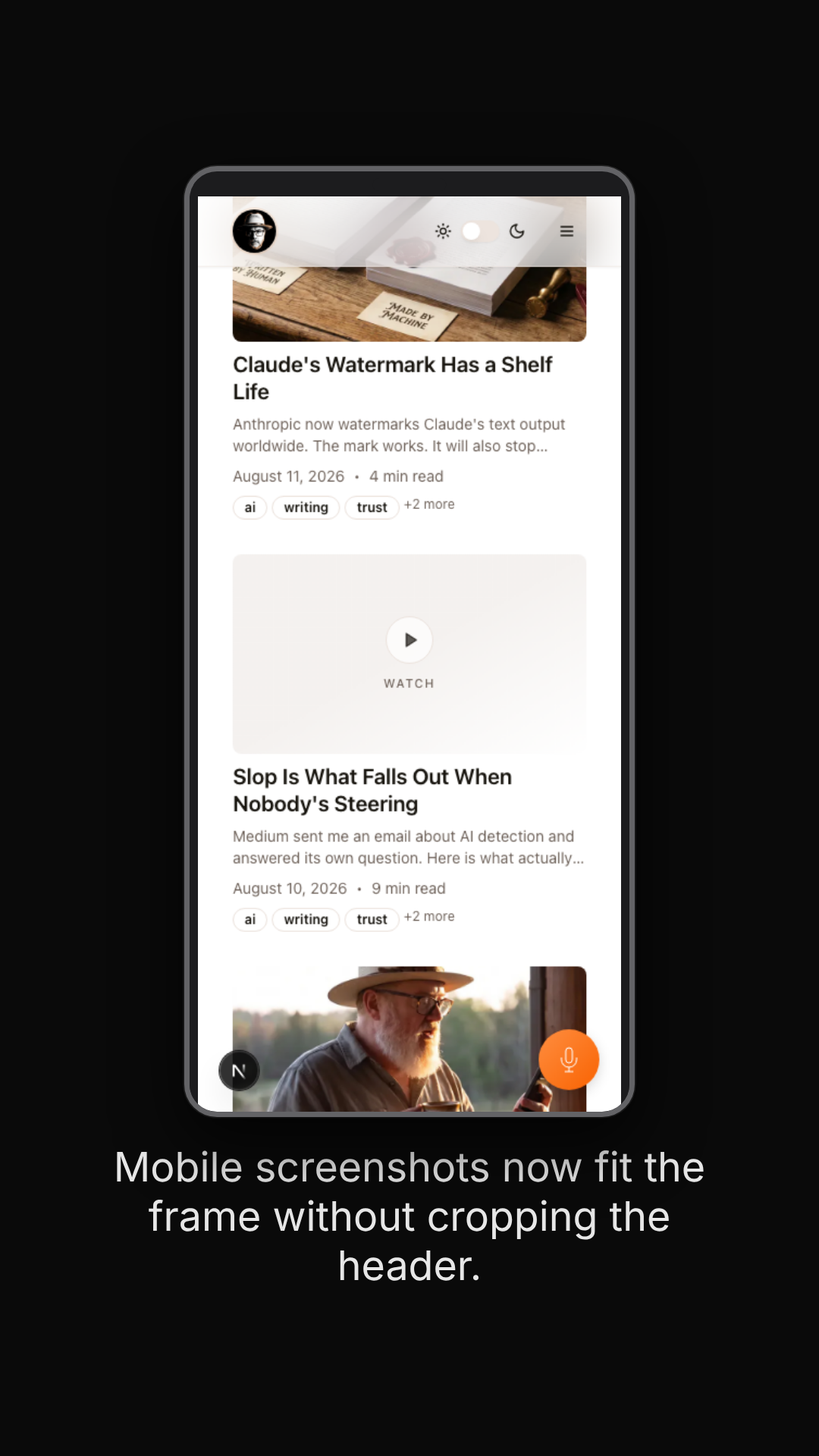
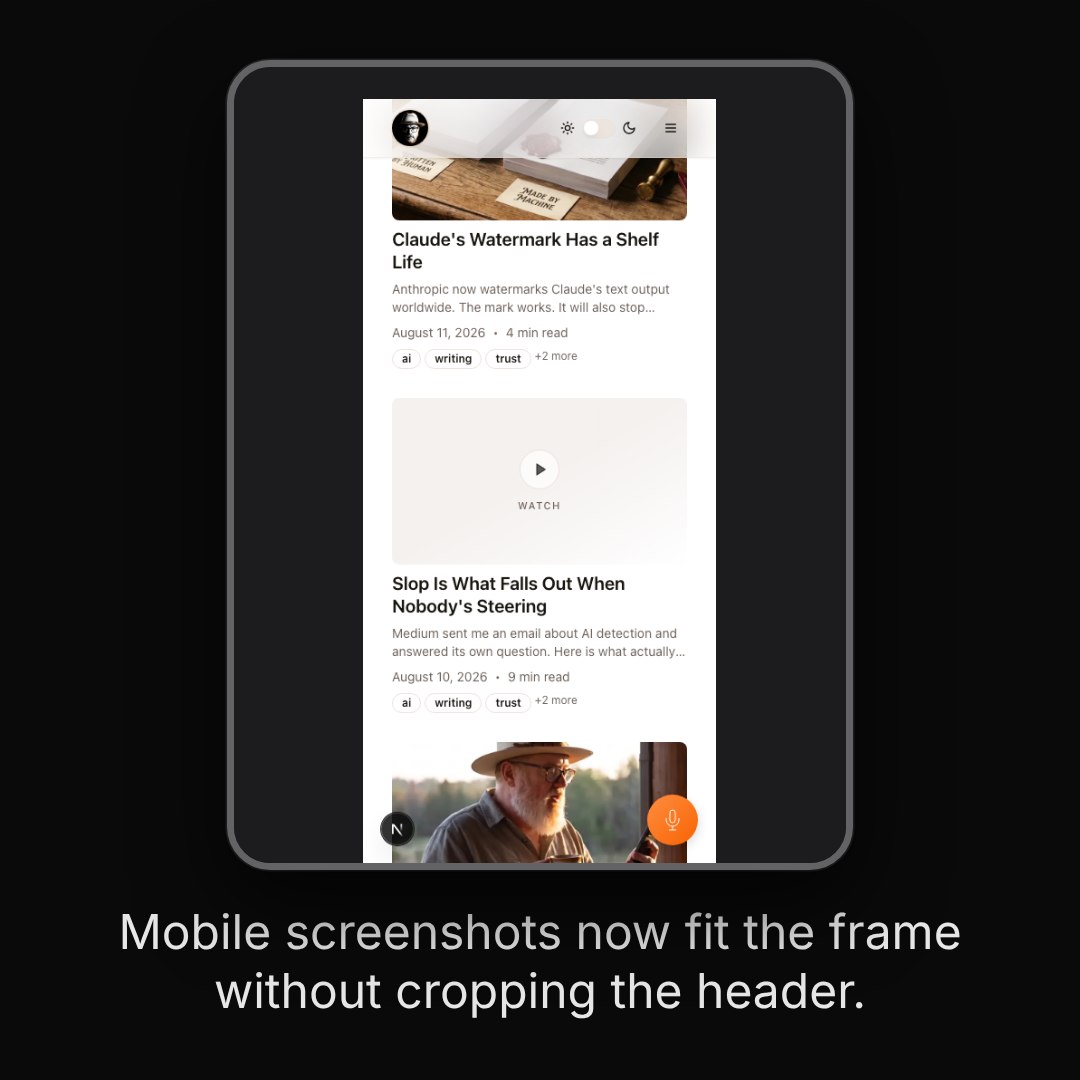
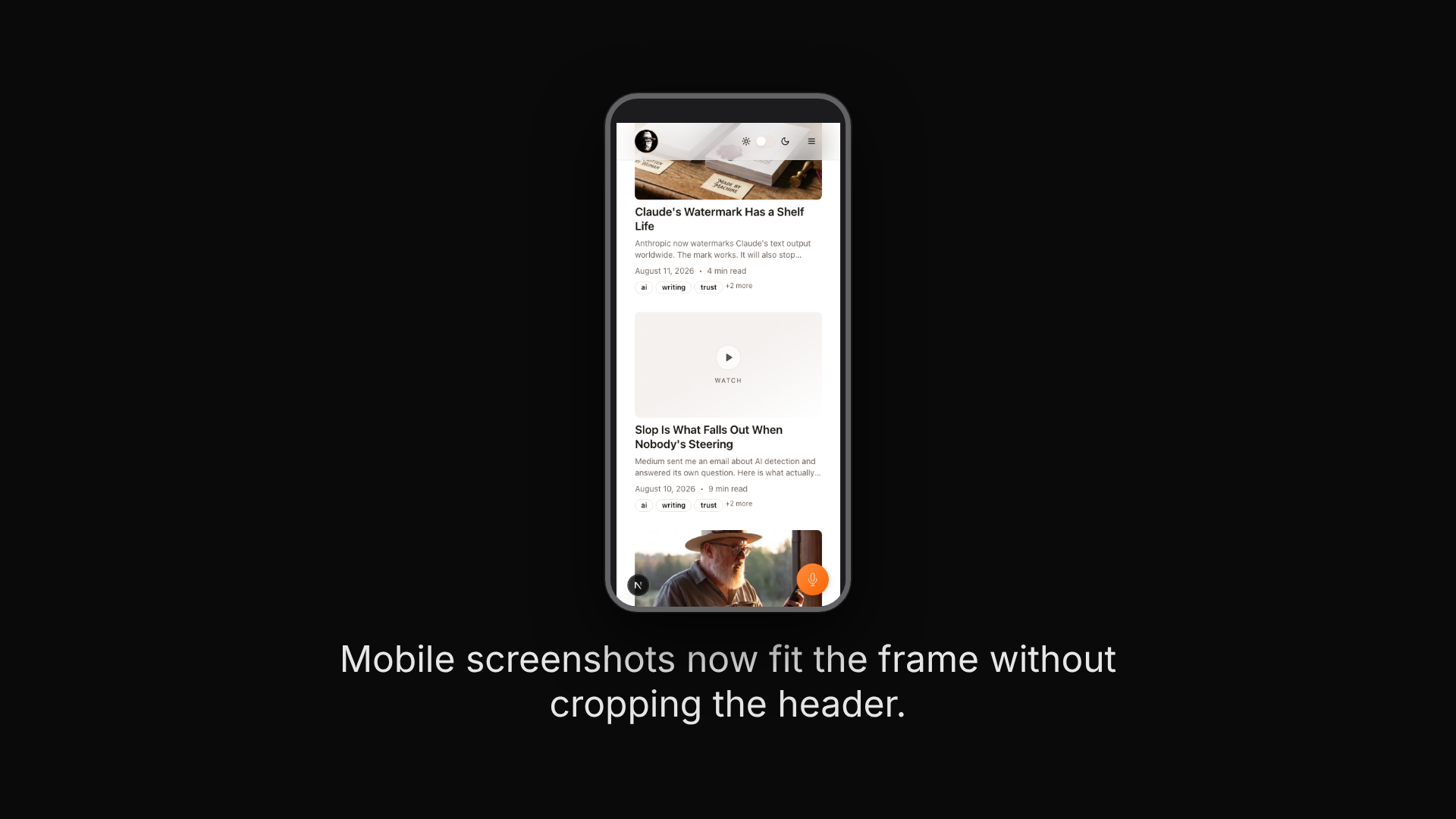
A phone-bezel wrapper for showing a mobile screenshot. The screenshot is contained, not cropped, and top-aligned inside the bezel, with a safe zone that keeps content clear of the notch. Phone Frame now has dedicated mobile (9:16) and square (1:1) widths of its own, not just a landscape cutaway.
- Best use: a mobile-view moment — a phone-native scene in a vertical or square video, or a quick mobile cutaway inside a desktop-oriented one.
- Aspect ratio(s): 1920×1080 base canvas, format-responsive (also renders at 1080×1080 and 1080×1920).
- Typical duration: ~5s.
Raw Video Clip
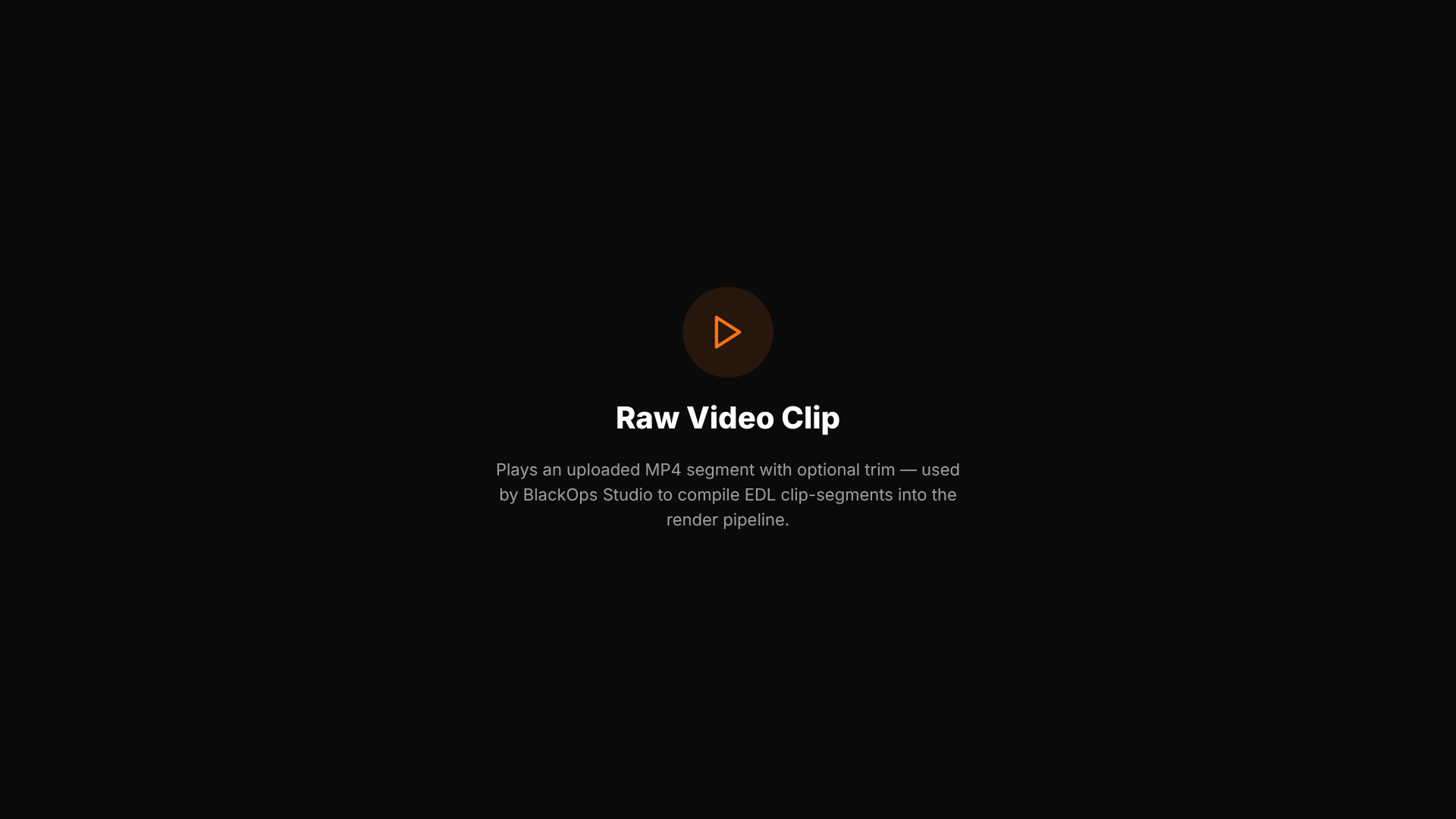
Plays an uploaded MP4 segment with an optional trim-in point. Used by BlackOps Studio to splice real screen recordings or b-roll into an otherwise templated video.
- Best use: mixing a real recording into a templated sequence — the one template whose content isn't generated, only placed.
- Aspect ratio(s): matches the composition's own canvas — any configured format.
- Typical duration: ~5s, trim-dependent.
Data & social proof
Stat / Metric
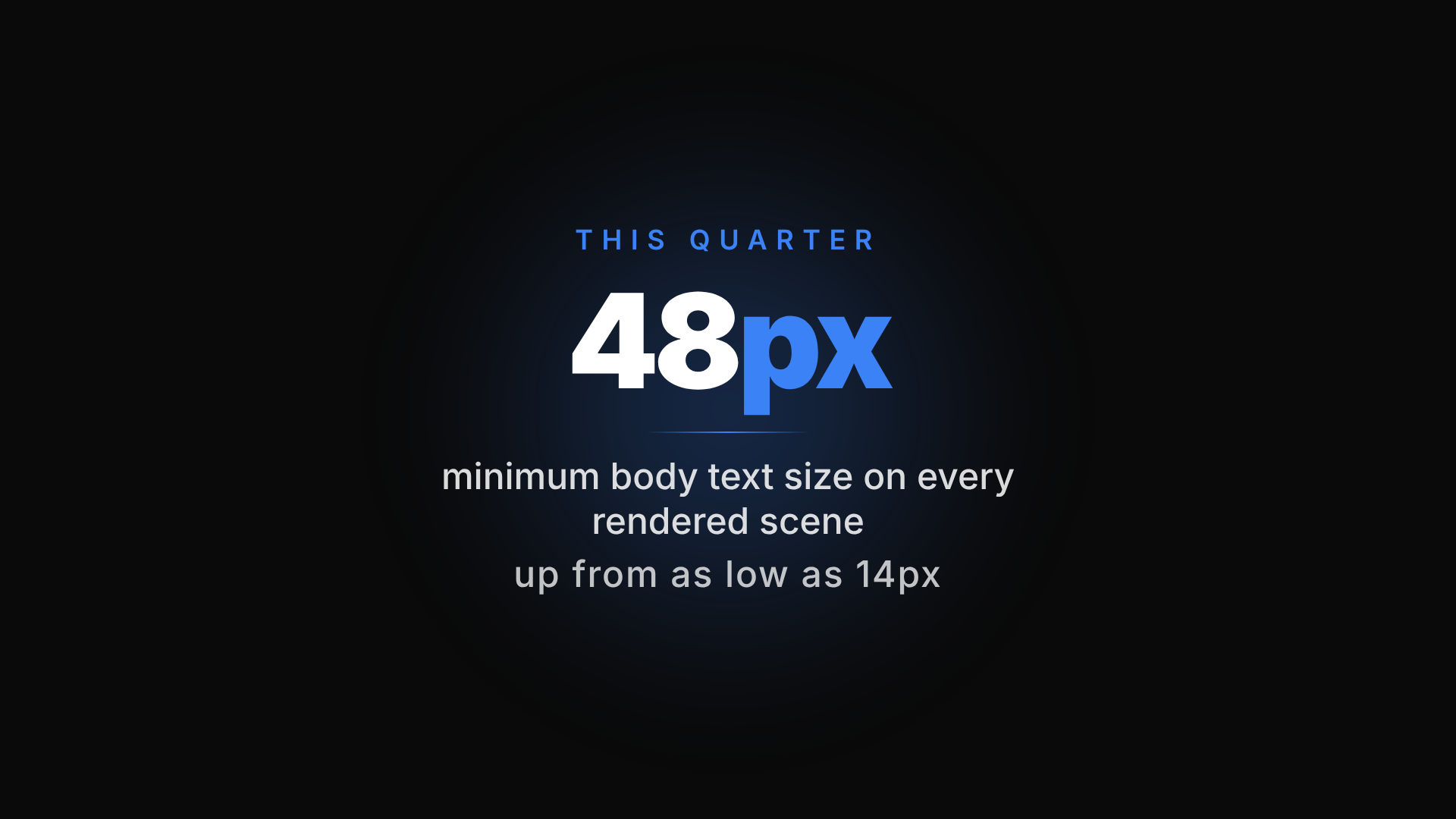
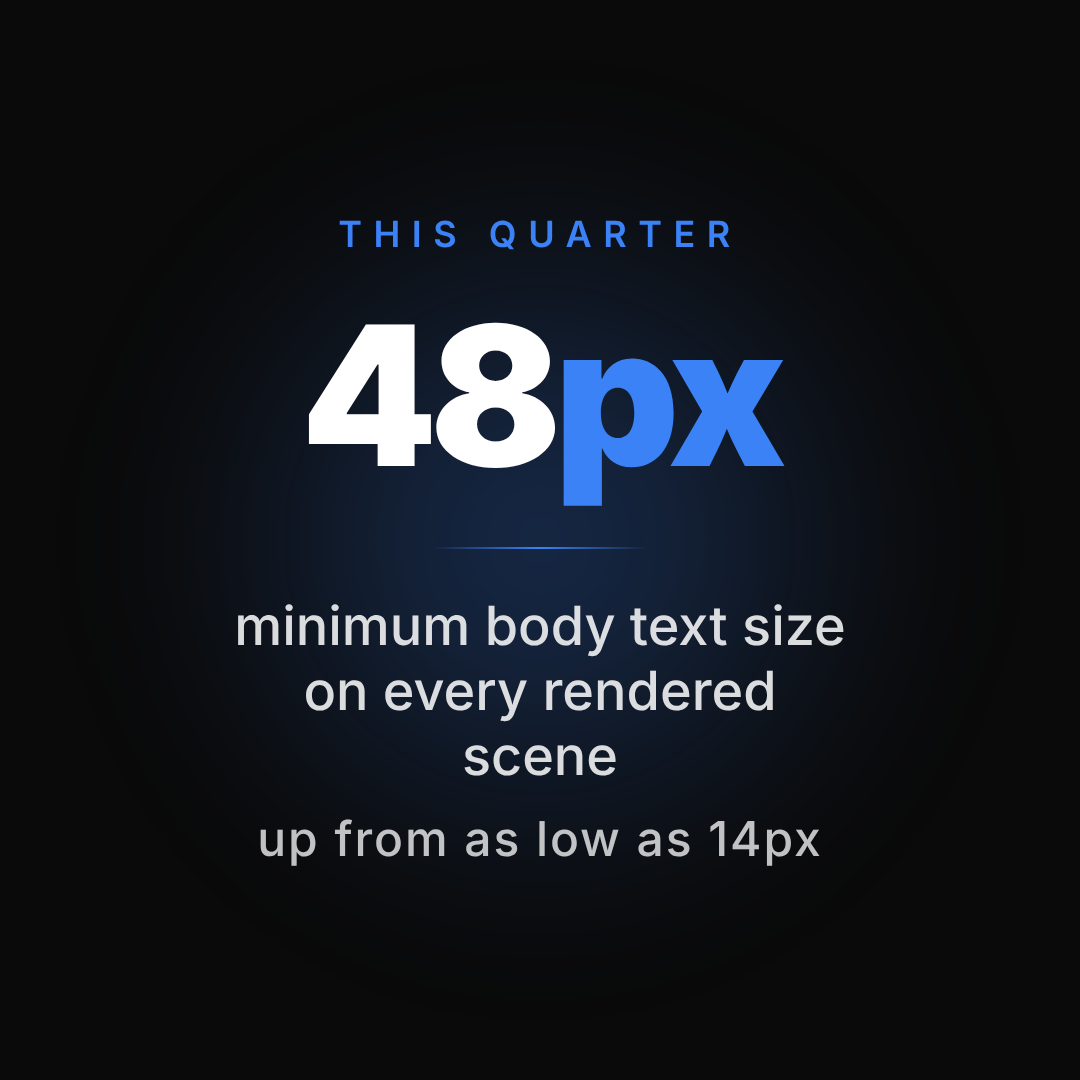
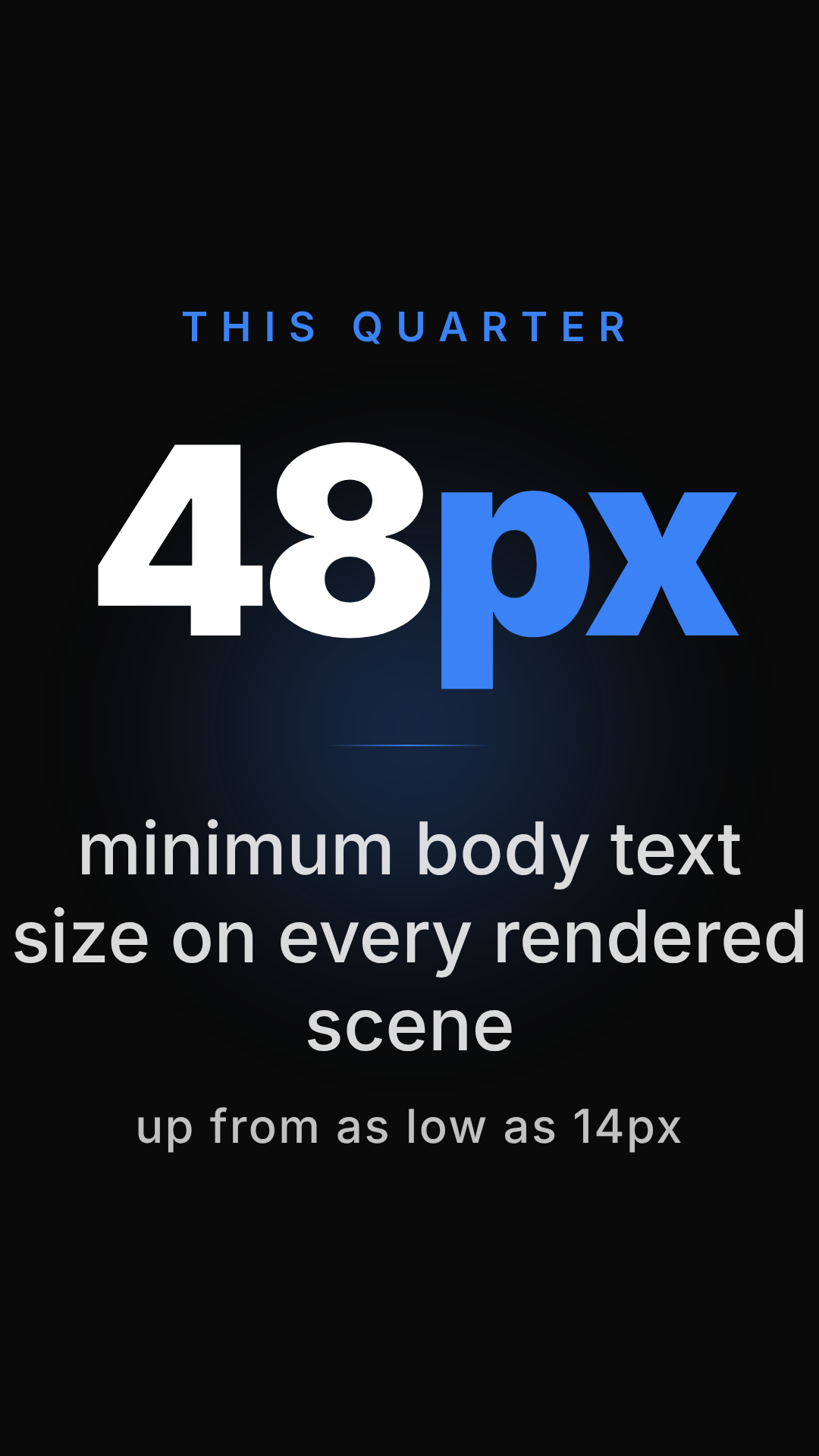
A large metric that counts up from zero (or fades in, for non-numeric values), with a label and an optional comparison line underneath.
- Best use: a single growth number, or a quick before/after comparison.
- Aspect ratio(s): 1920×1080 base canvas, format-responsive.
- Typical duration: ~5s.
Feature Grid
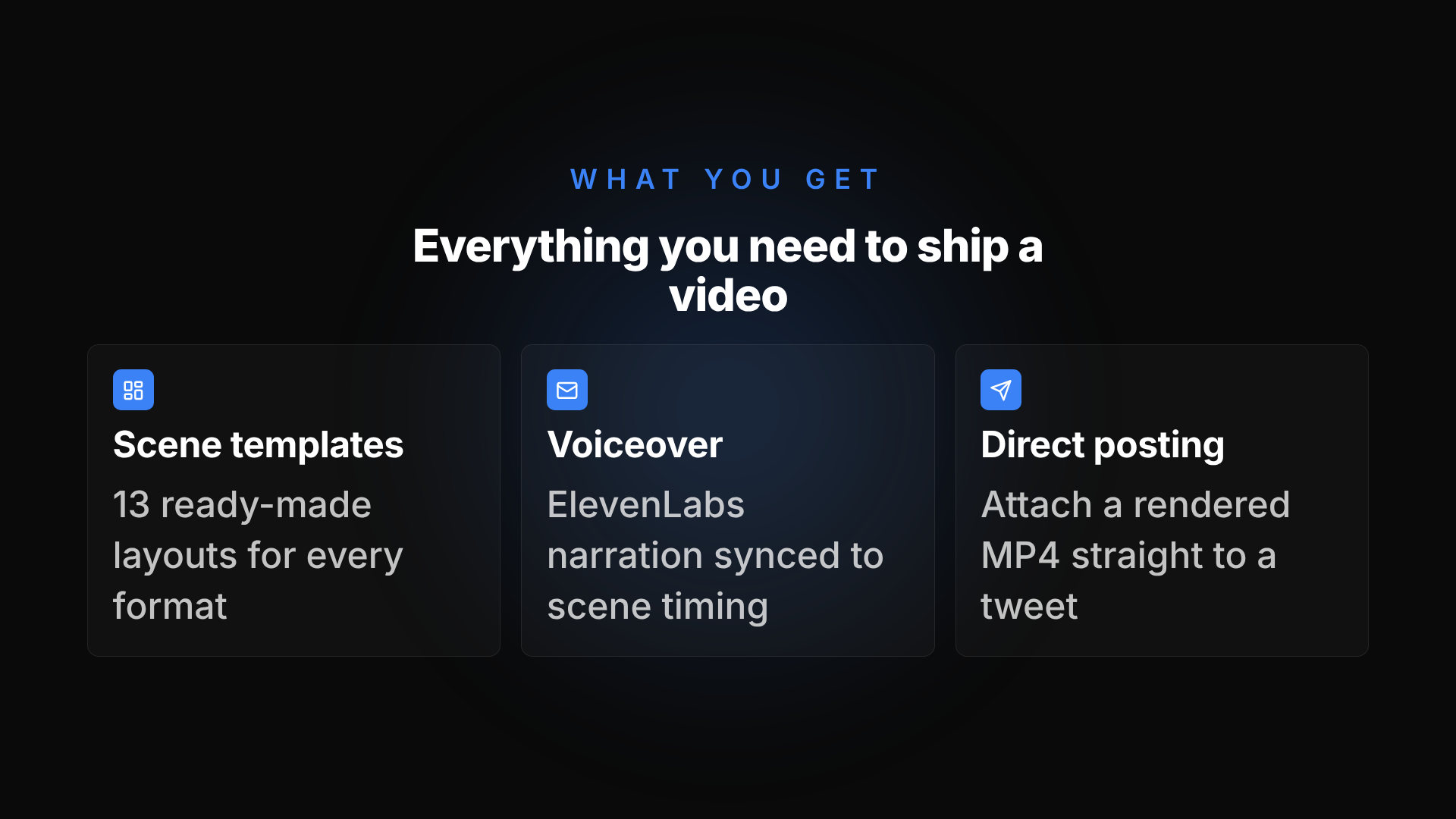
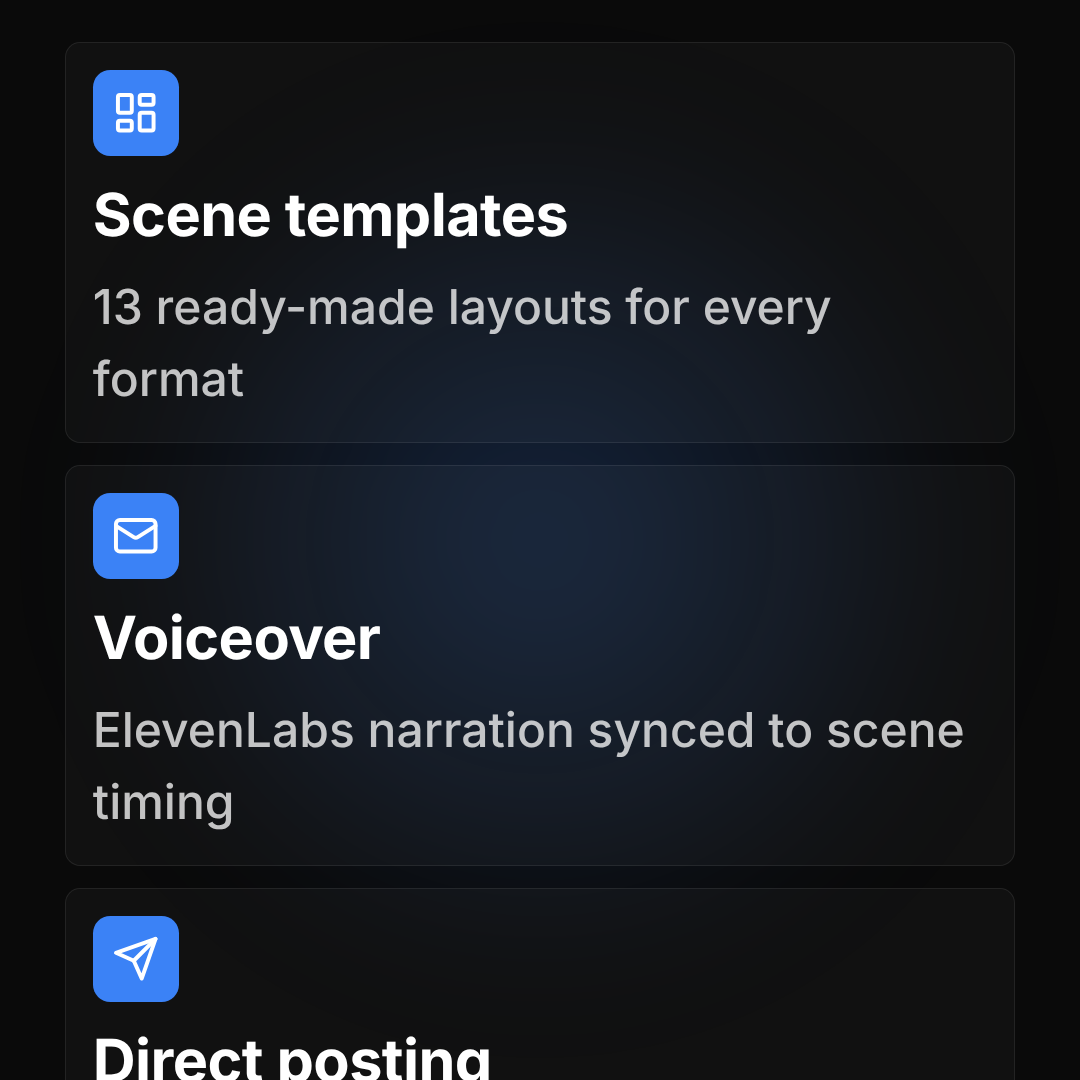
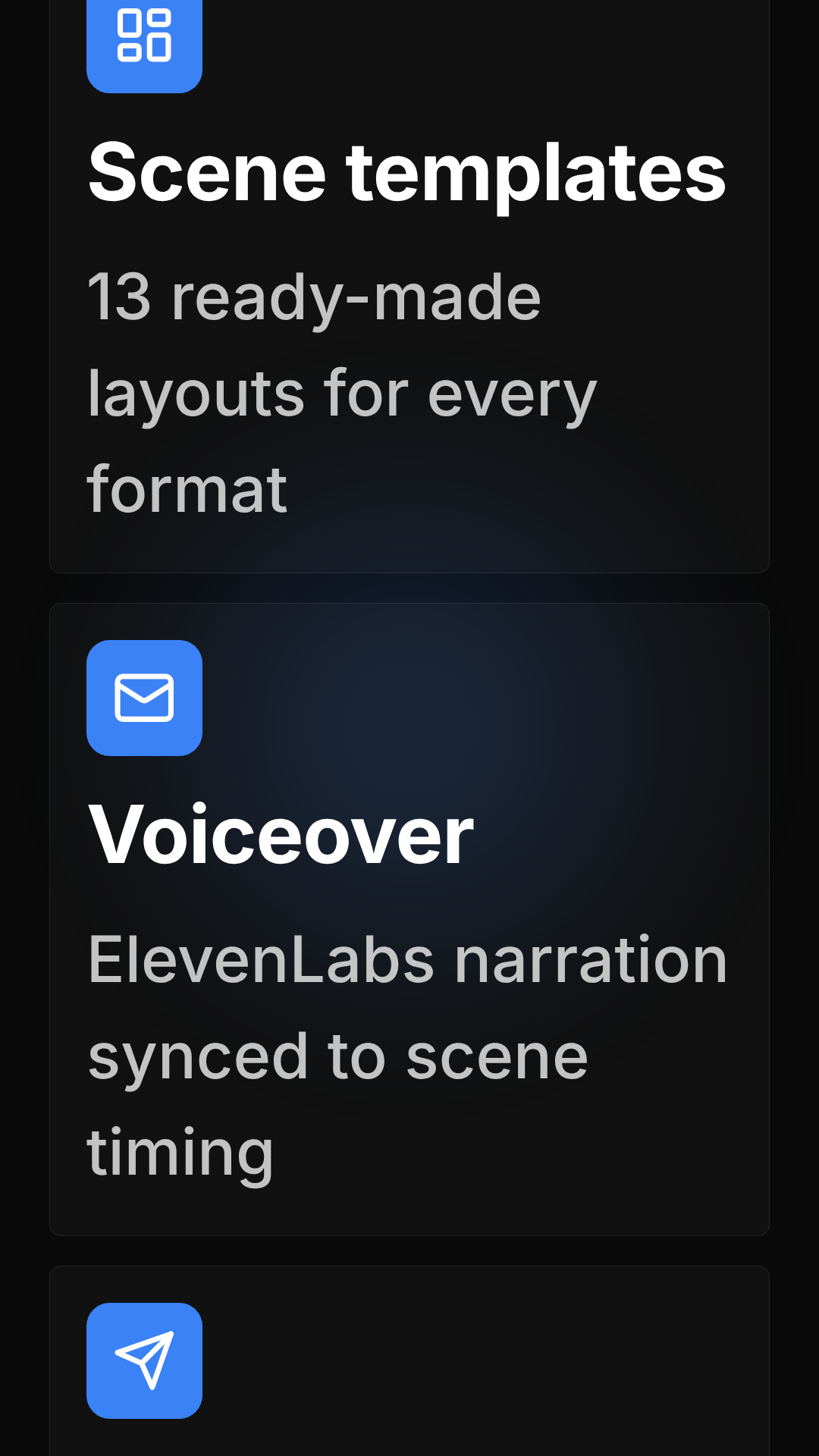
A responsive grid of 2–6 capability cards, each with an icon, a title, and a one-line description. Collapses to a single column in portrait.
- Best use: an "everything you can do" overview scene.
- Aspect ratio(s): 1920×1080 base canvas, format-responsive.
- Typical duration: ~6s.
Comparison
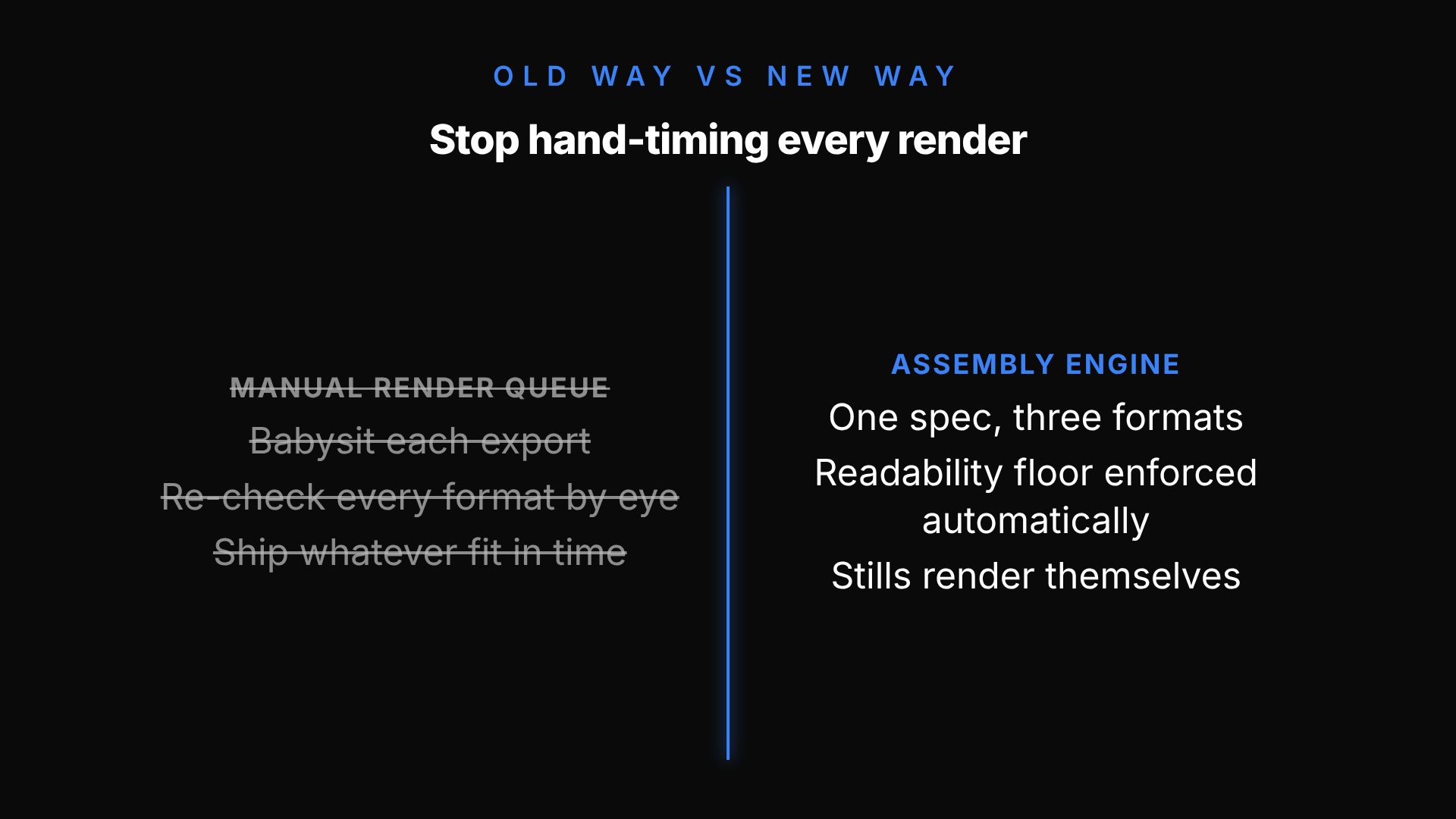
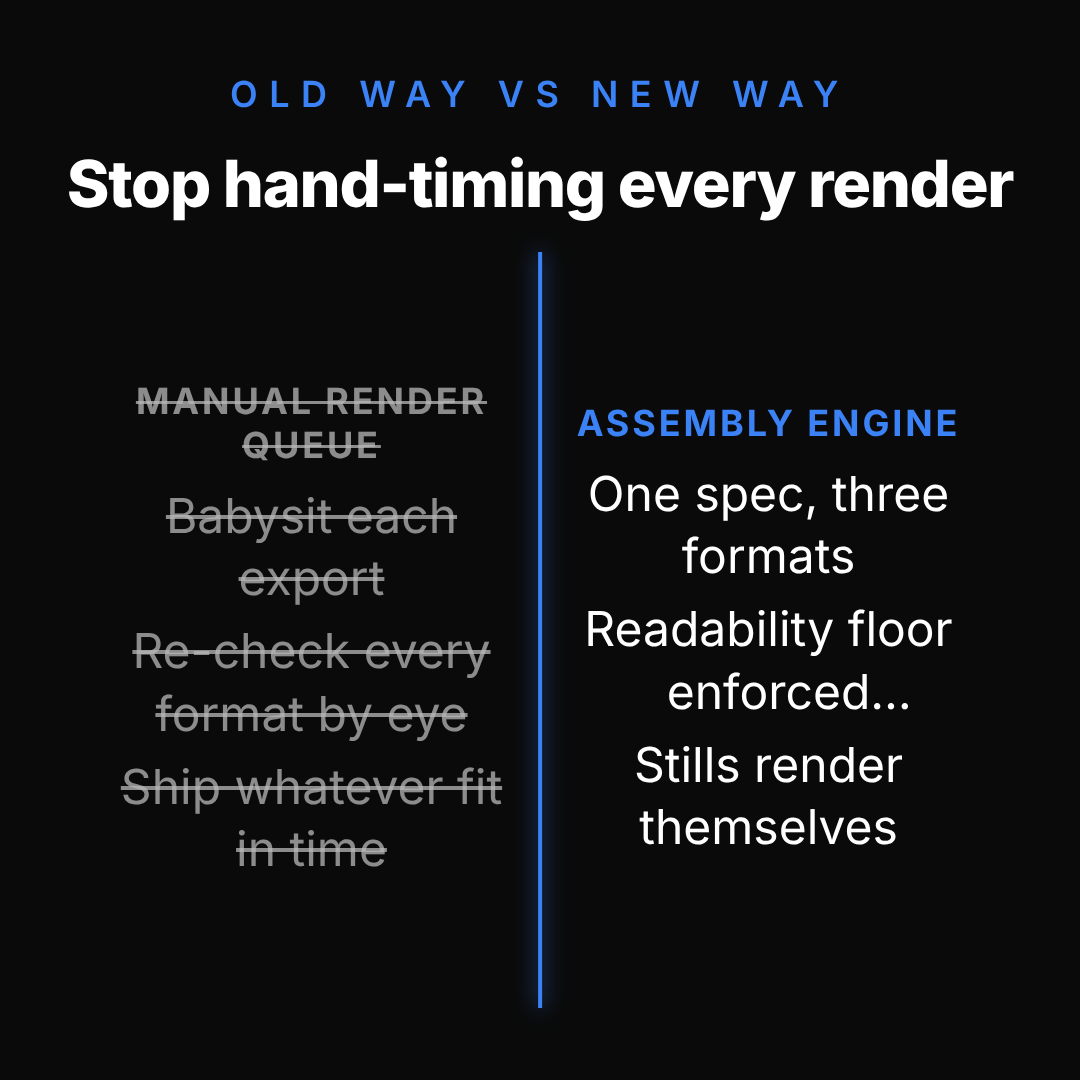
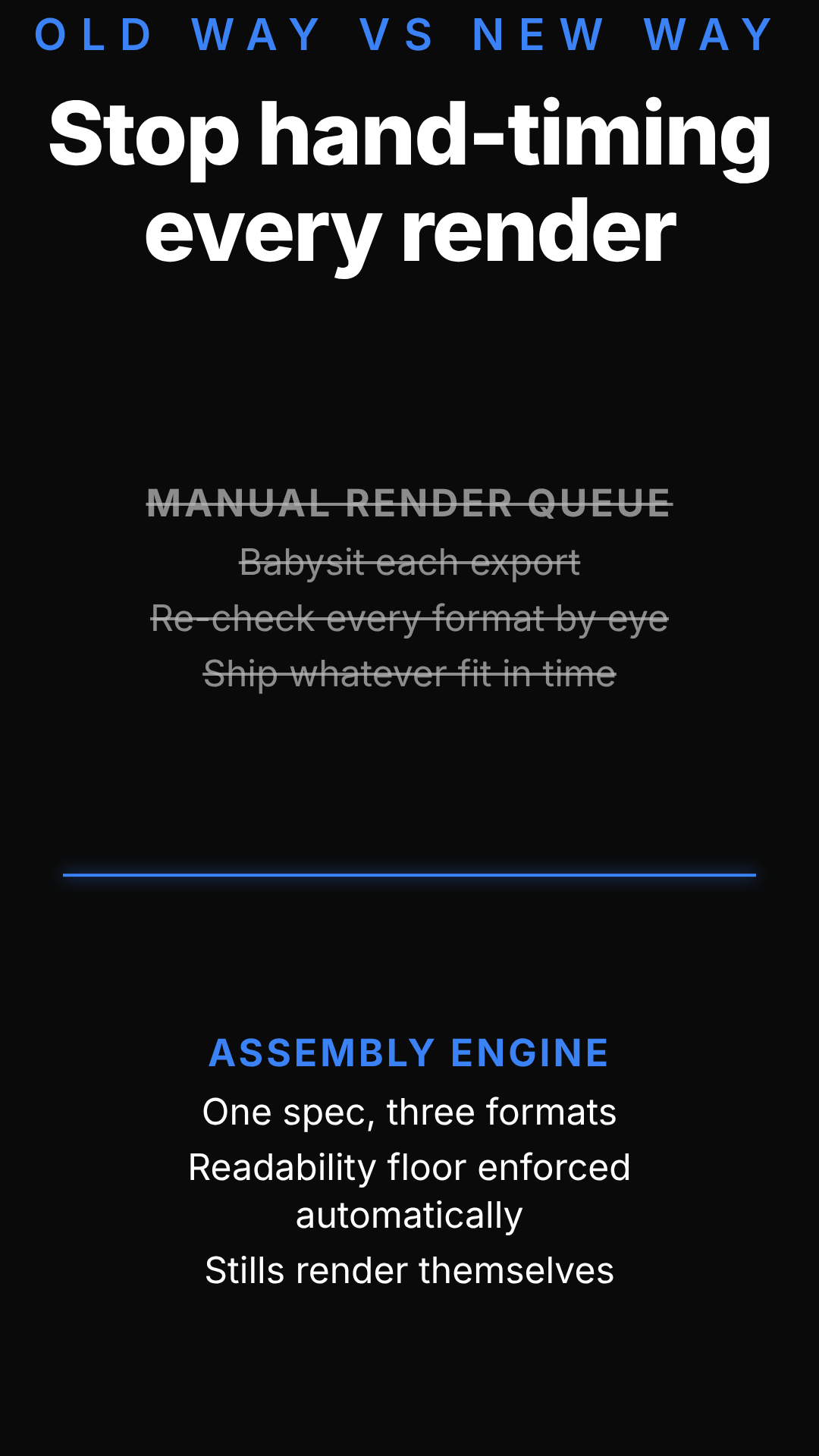
A before → after split-wipe transformation. Opens on the Before state; a hard-edged accent-color wipe line sweeps across to reveal After. Ends on a split view with Before visibly de-emphasized (desaturated and struck through) and After emphasized — one bold transformation, not two side-by-side decks.
- Best use: an "old way vs. new way" framing — one clear transformation, not a static feature comparison.
- Aspect ratio(s): 1920×1080 base canvas, format-responsive (vertical wipe in 16:9/1:1, stacked wipe in 9:16).
- Typical duration: ~7s.
Quote / Testimonial
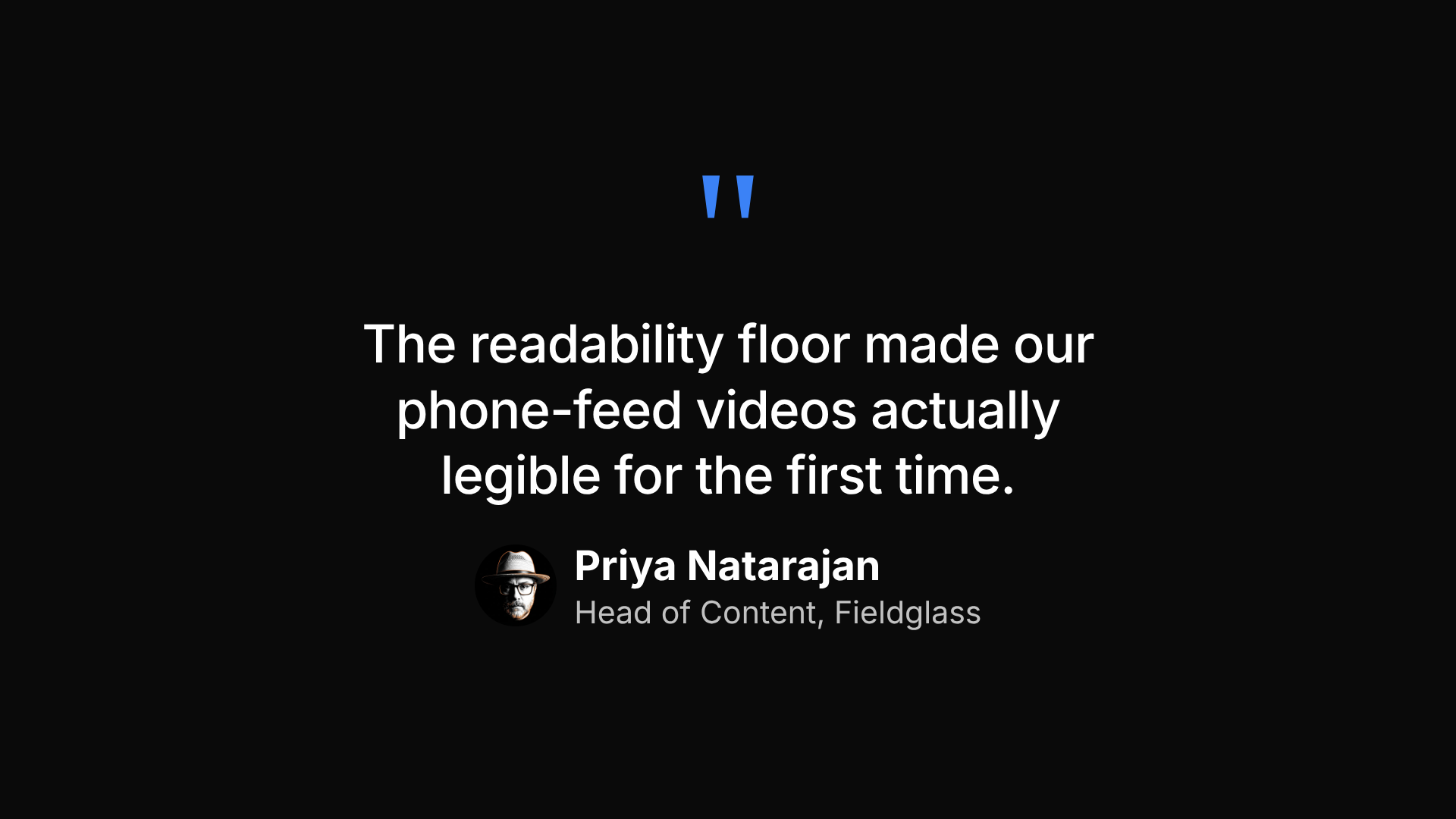
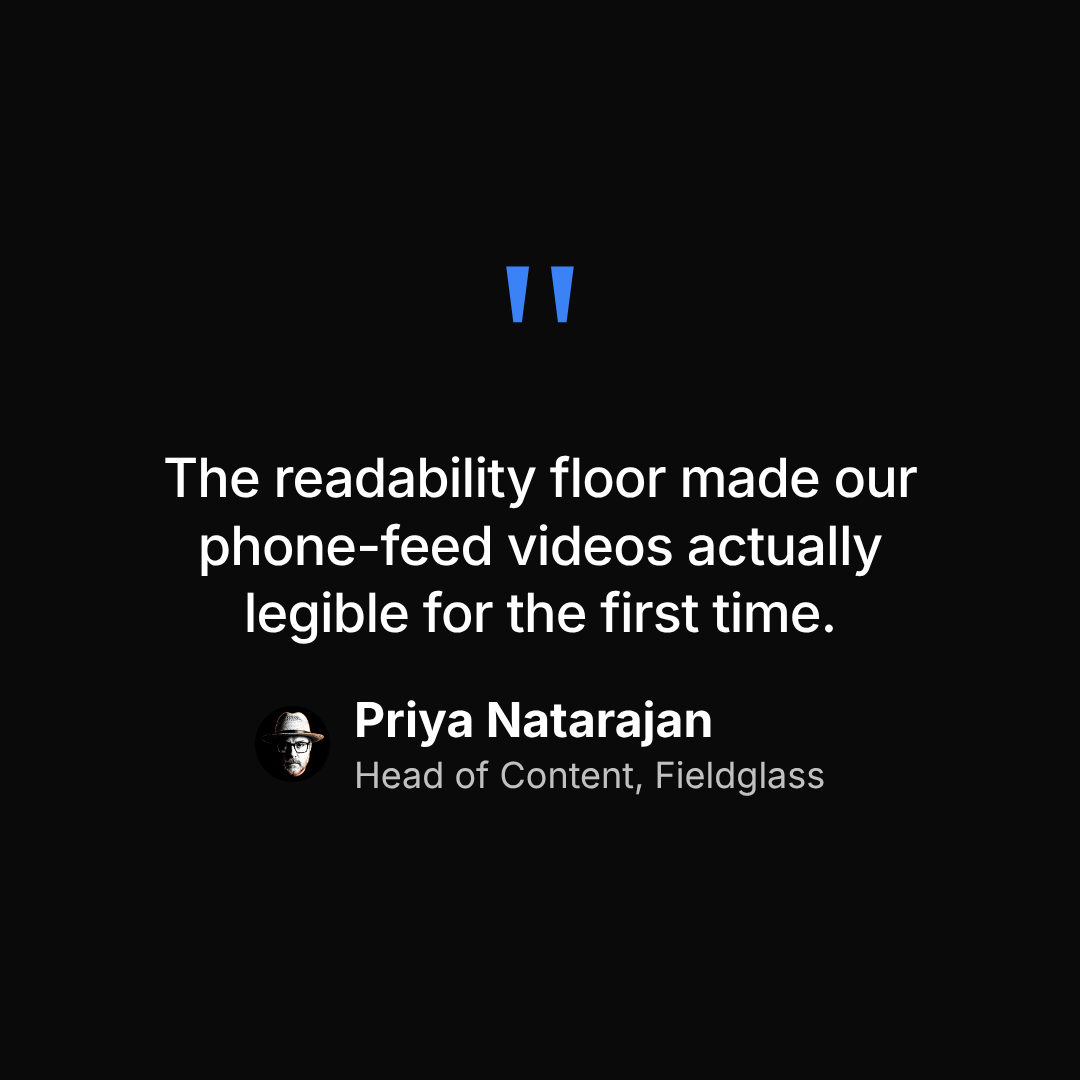
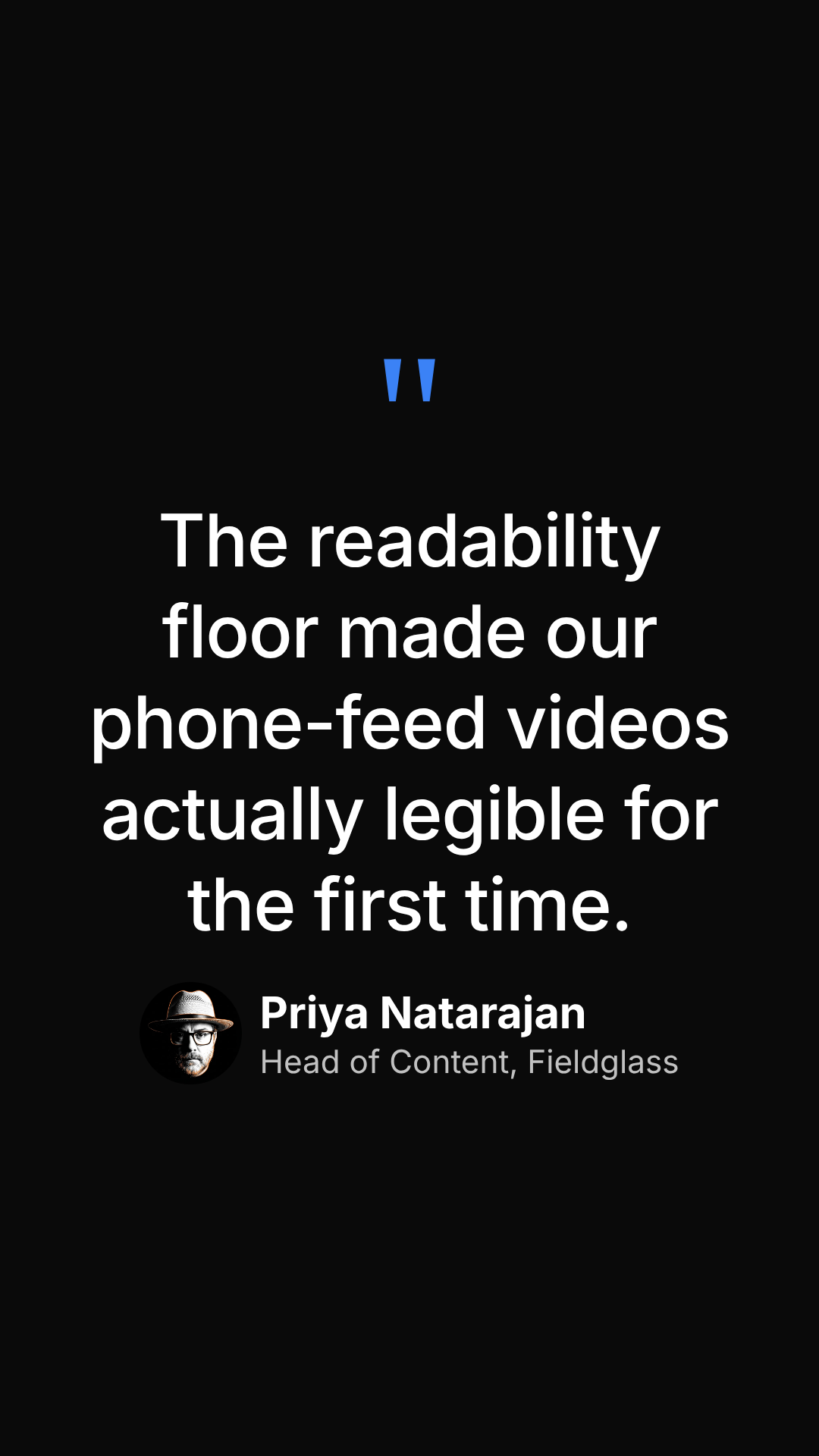
A pull quote with an attribution line and an optional avatar.
- Best use: a social-proof or testimonial scene.
- Aspect ratio(s): 1920×1080 base canvas, format-responsive.
- Typical duration: ~5s.
Transitions & closers
Impact Statement
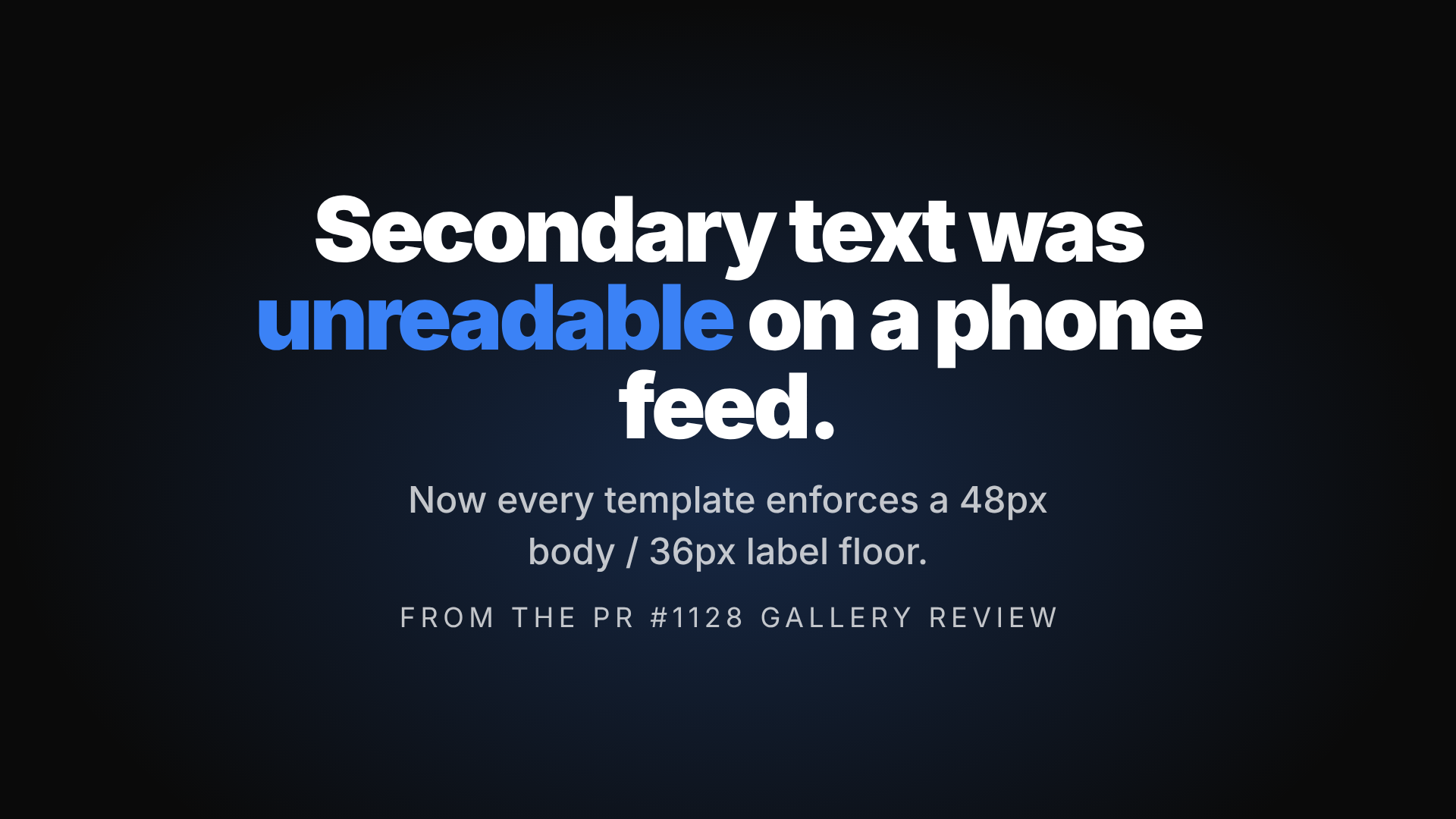
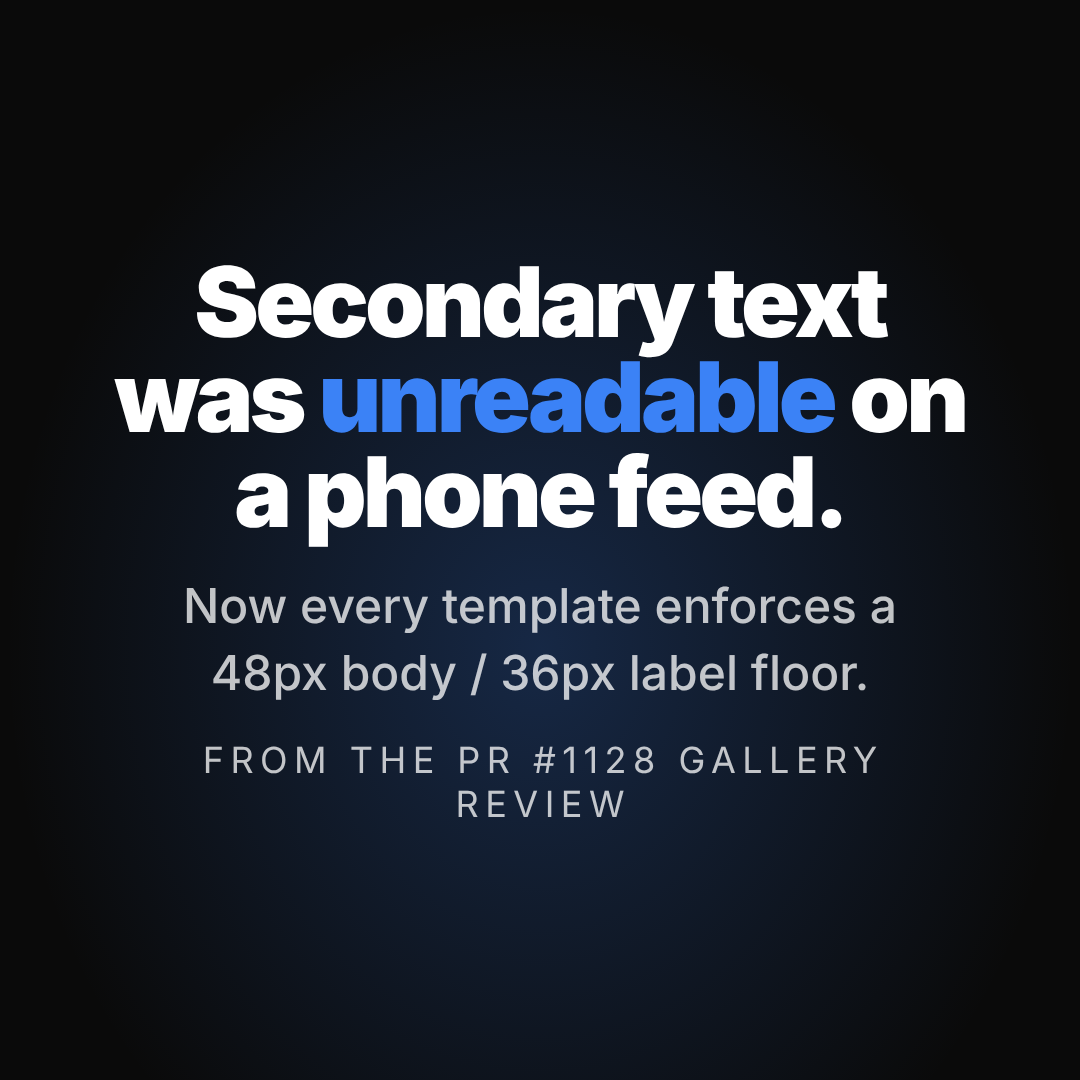
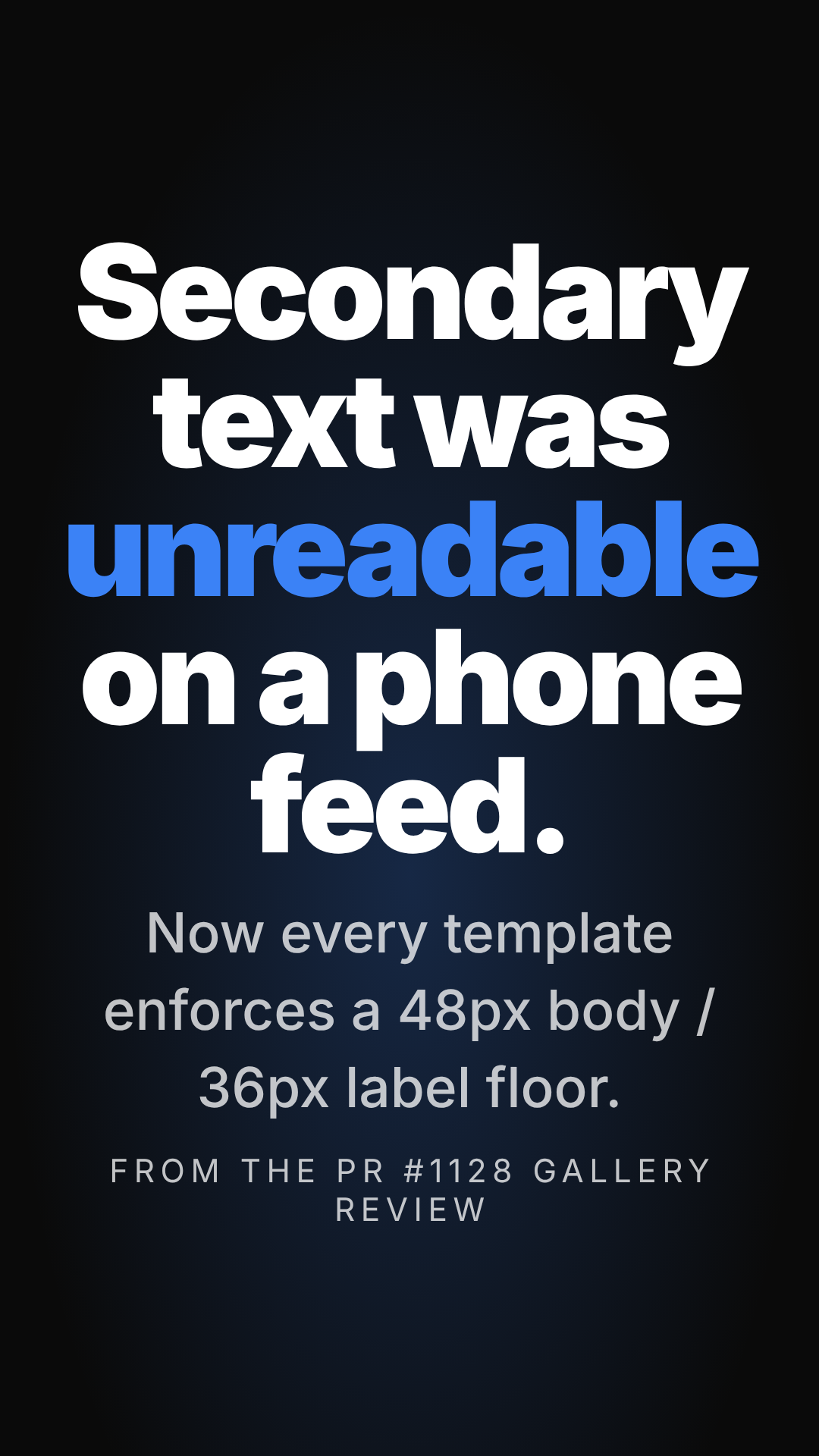
A single dramatic claim with a spring-scale entrance, plus an optional supporting line and attribution. A different mood from Hook — this is a mid-video punch, not an opener.
- Best use: breaking up a longer video with one quotable line.
- Aspect ratio(s): 1920×1080 base canvas, format-responsive.
- Typical duration: ~4s.
Pipeline / Flow
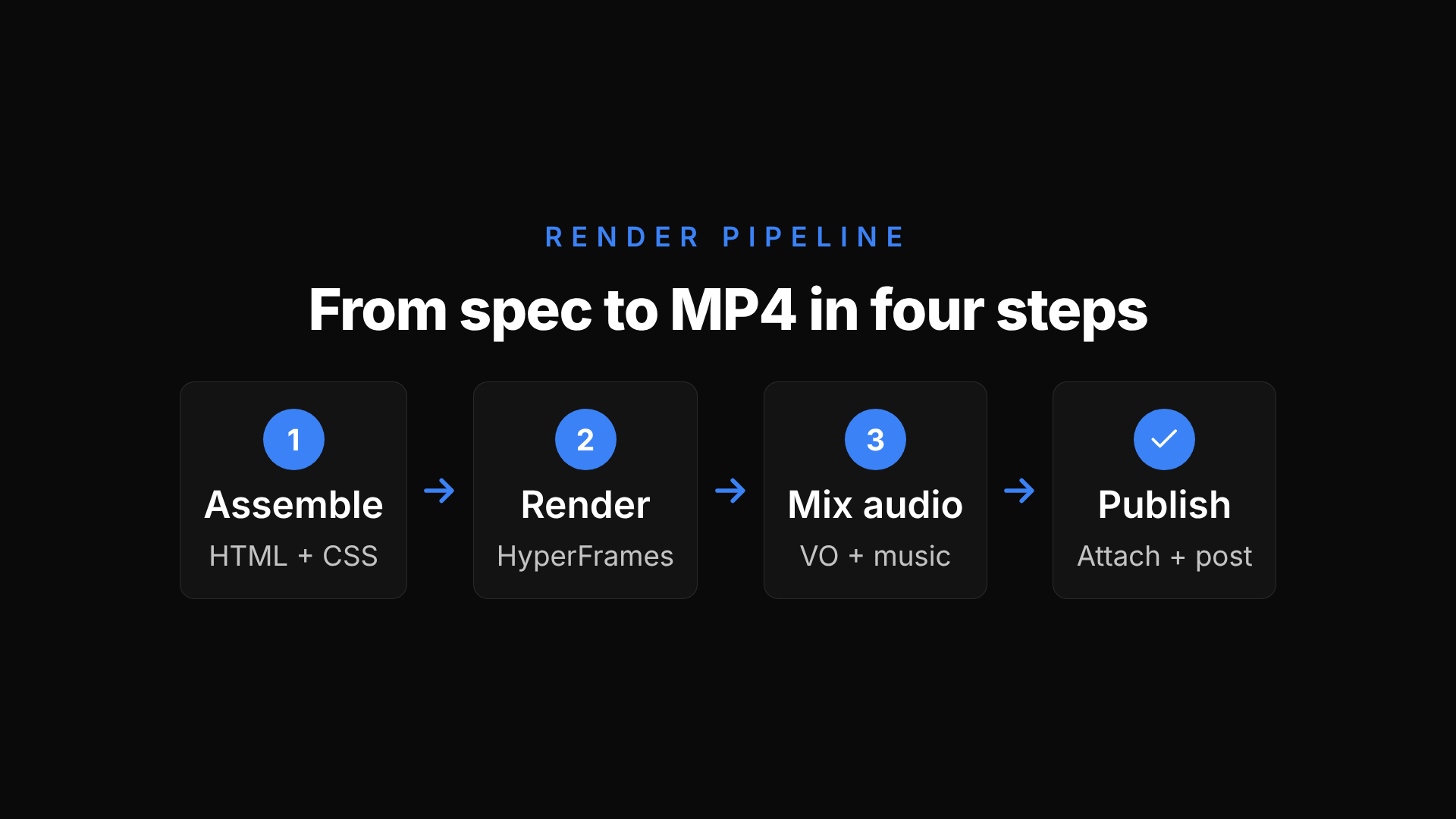
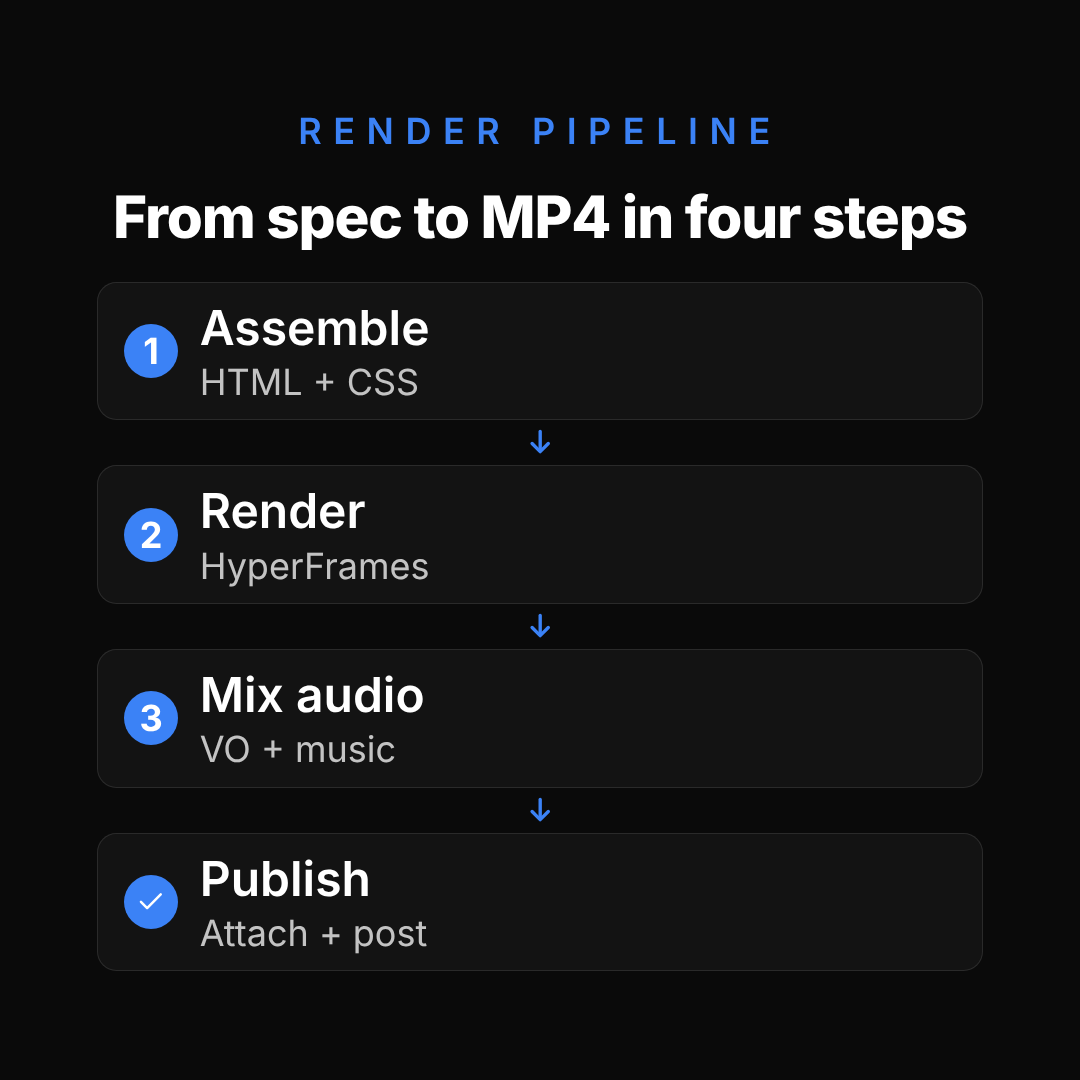
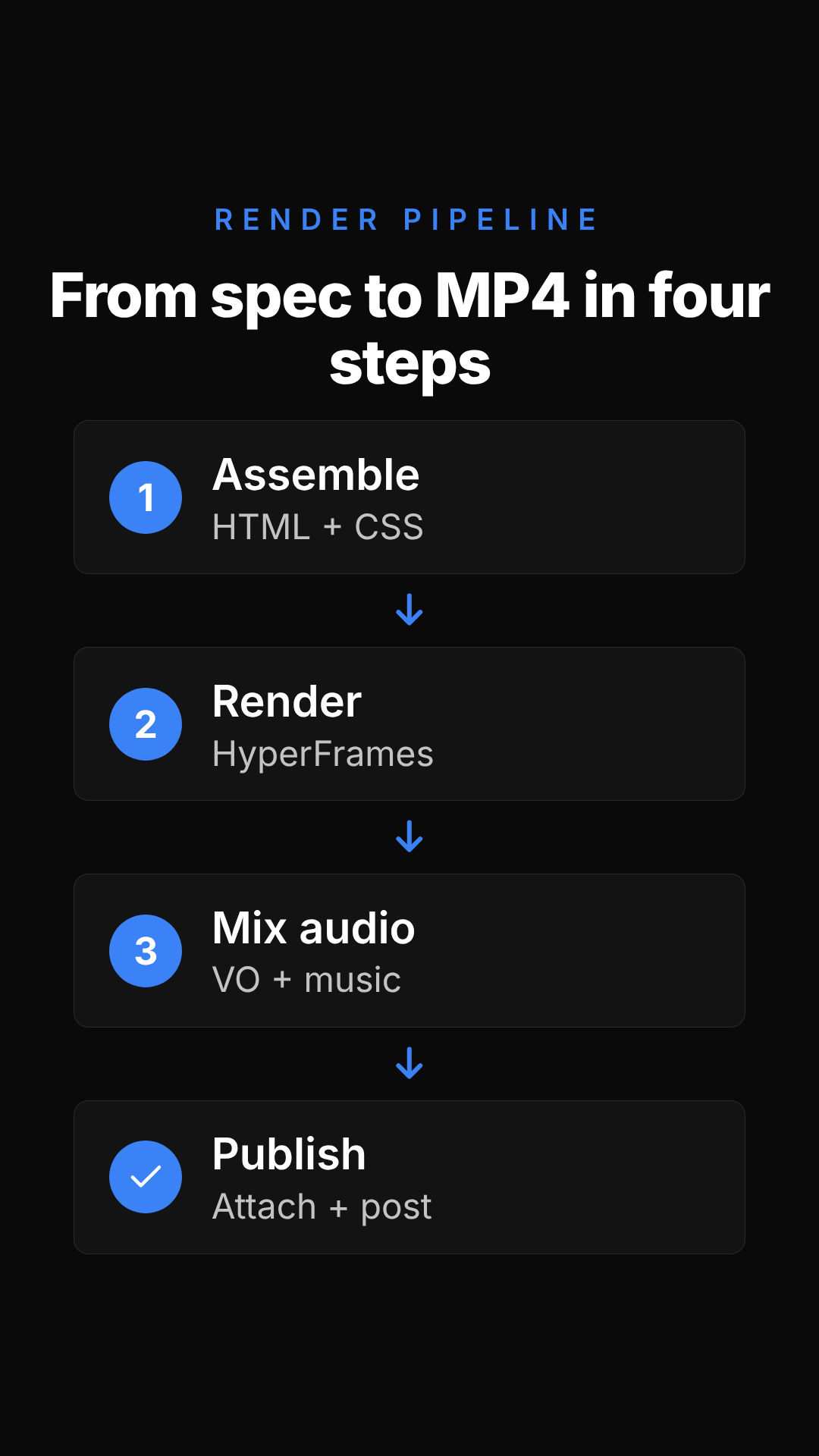
An animated flow diagram — steps fade and slide in with arrows between them. On the square and vertical formats, steps stack or wrap to fit the narrower canvas instead of always running in one left-to-right row.
- Best use: explaining a multi-step process, like how one feature's pipeline works end to end.
- Aspect ratio(s): 1920×1080 base canvas, format-responsive.
- Typical duration: ~6s.
Call to Action



A closing scene: eyebrow, headline, tagline, an animated button, and a URL.
- Best use: the last scene in nearly every video — the "go do this" moment.
- Aspect ratio(s): 1920×1080 base canvas, format-responsive.
- Typical duration: ~5s.
Branded End Card
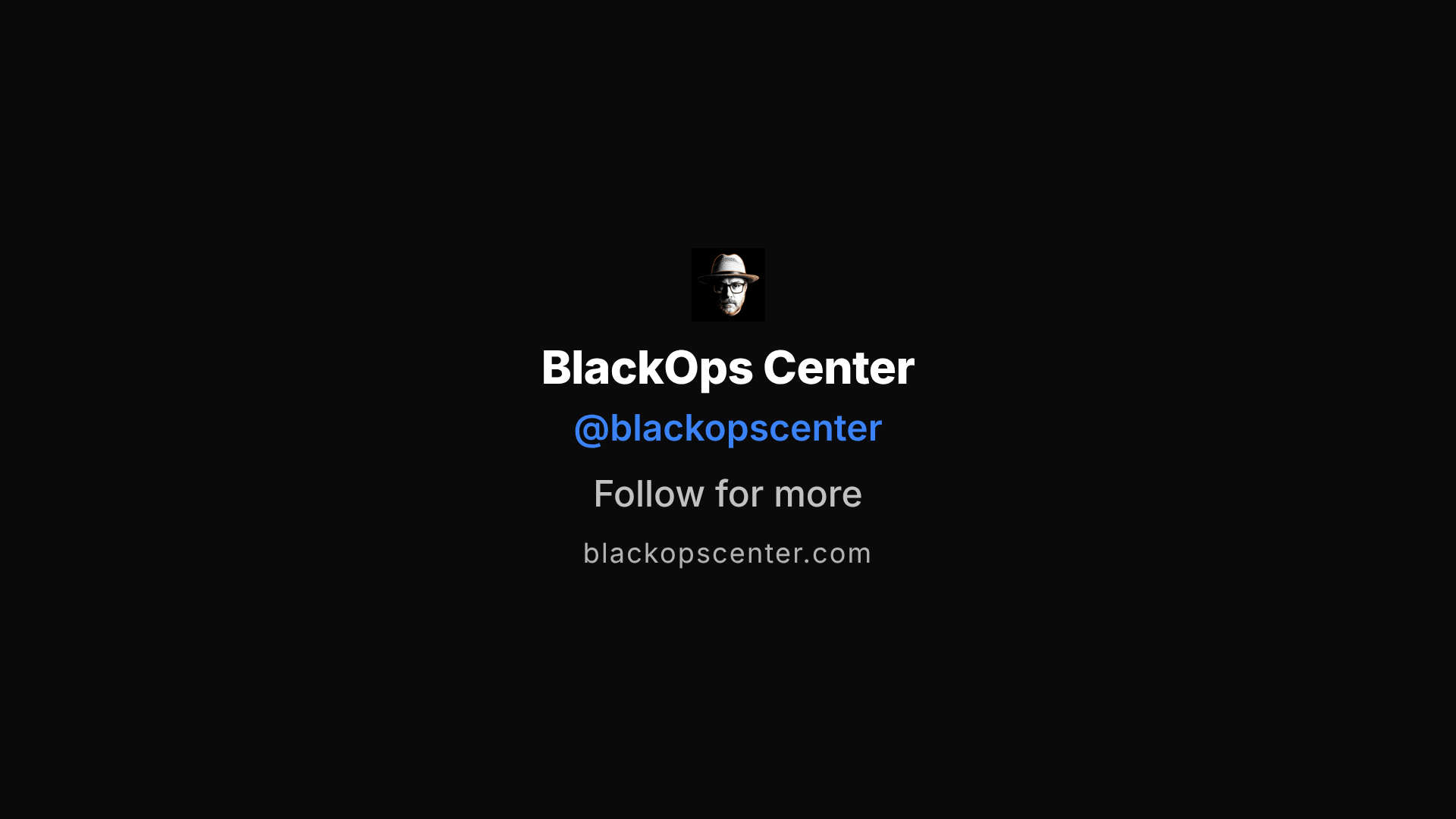
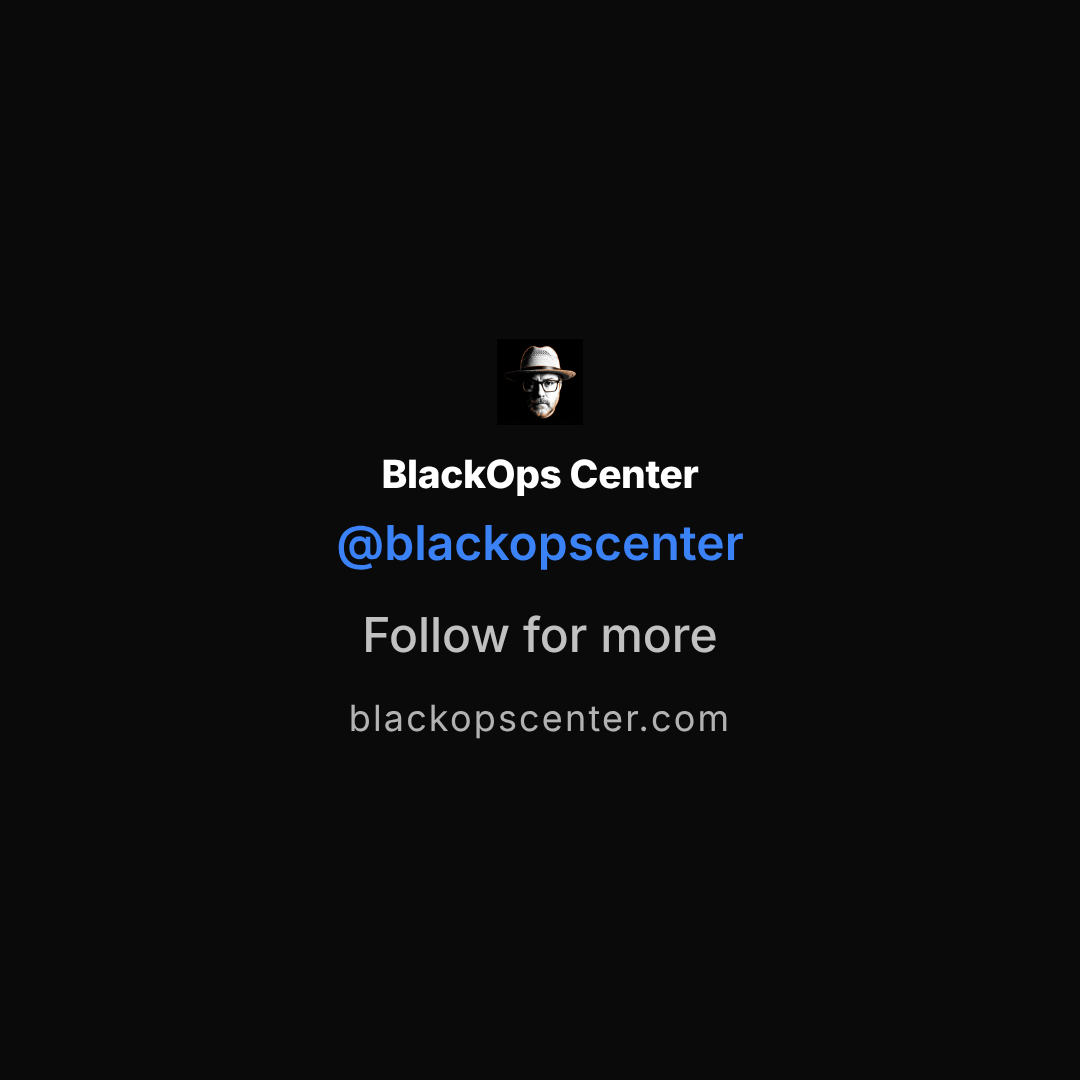
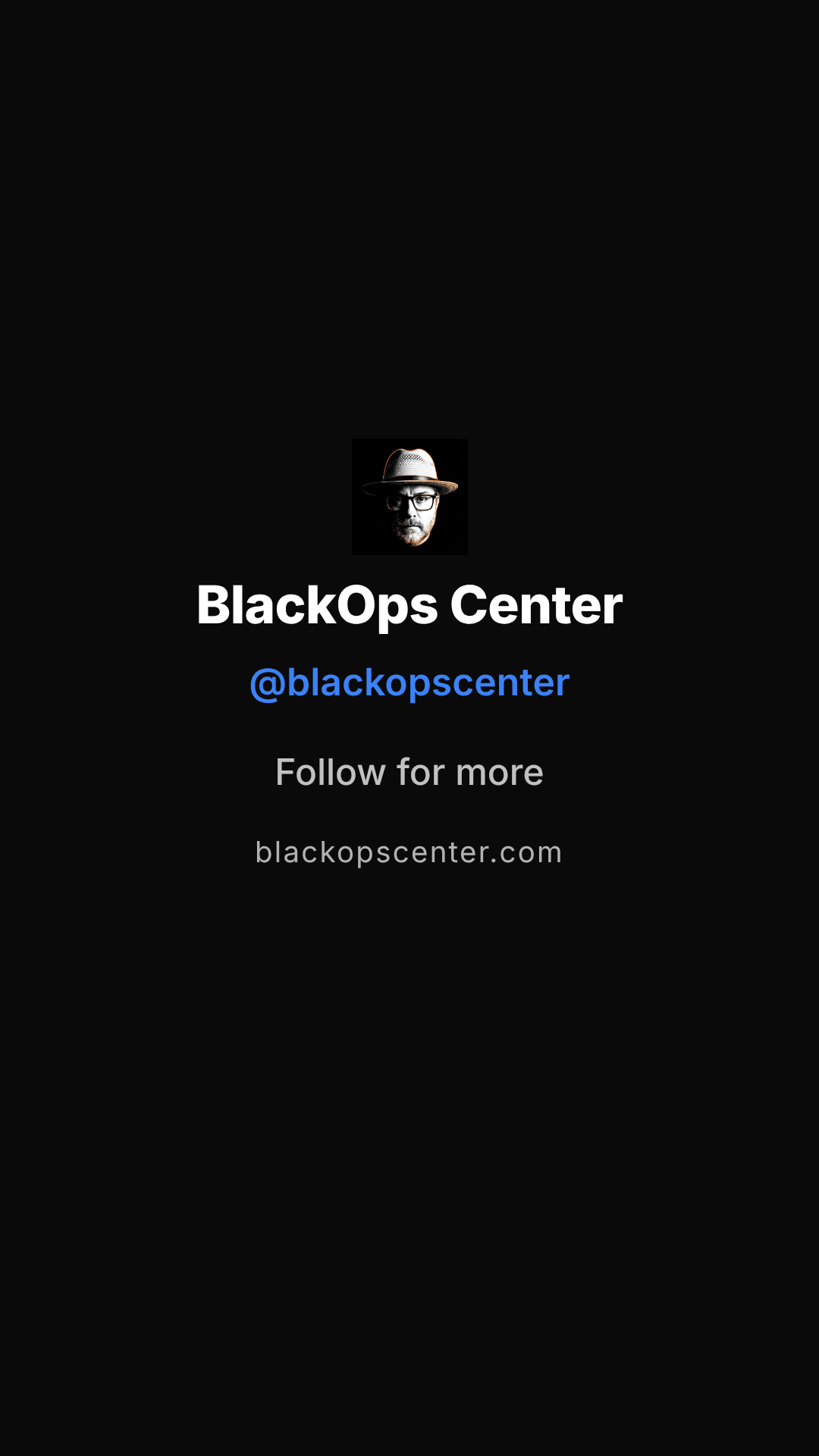
A closing brand card: logo (or a text wordmark when none resolves), name, handle, a CTA line, and an optional URL, held inside an X-safe margin. Doubles as a bring-your-own-outro closing scene when you don't want a Call to Action button.
- Best use: a simple sign-off scene for social-native content — a follow prompt without a link-click ask.
- Aspect ratio(s): 1920×1080 base canvas, format-responsive.
- Typical duration: ~3.5s.
Related
- Video Generation — the engine these templates assemble into
- Scene Templates — full slot-by-slot reference for each template above
- Conversation Videos — turning a saved conversation into a Chat Demo video
- Rendering Pipeline — how a composition becomes an MP4